Delivery Platform Photo Requirements
Your photo got rejected. Or you want to avoid that happening. Here's every requirement for every major platform, why photos get rejected, and how to fix them in 30 seconds. For the wider owner strategy beyond photo compliance, read how to get more orders on DoorDash.
- Compare photo specs for six delivery platforms in one table
- See why photos get rejected and how to fix each reason
- Shoot one master photo that crops to every platform
- Verify a file against DoorDash, Uber Eats, and Grubhub specs
On this page
Why Your Photo Got Rejected
Delivery platforms automatically scan uploaded photos. If your image doesn't meet their technical requirements, it gets rejected without explanation. Here are the most common reasons:
Uber Eats Rejected My Photo
Common Uber Eats rejection reasons and how to fix each one.
View guideDoorDash Rejected My Photo
Common DoorDash rejection reasons and how to fix each one.
View guideUber Eats Won't Let Me Upload
Invalid file type errors, size and dimension limits, and stuck uploads.
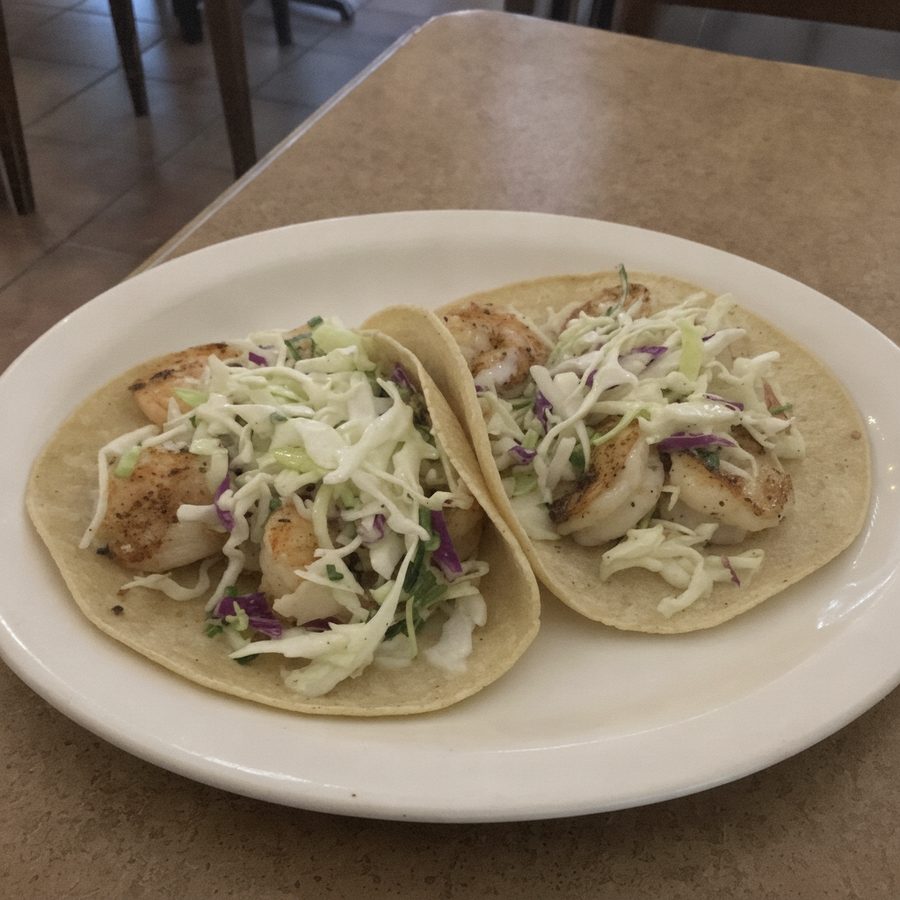
View guideBefore
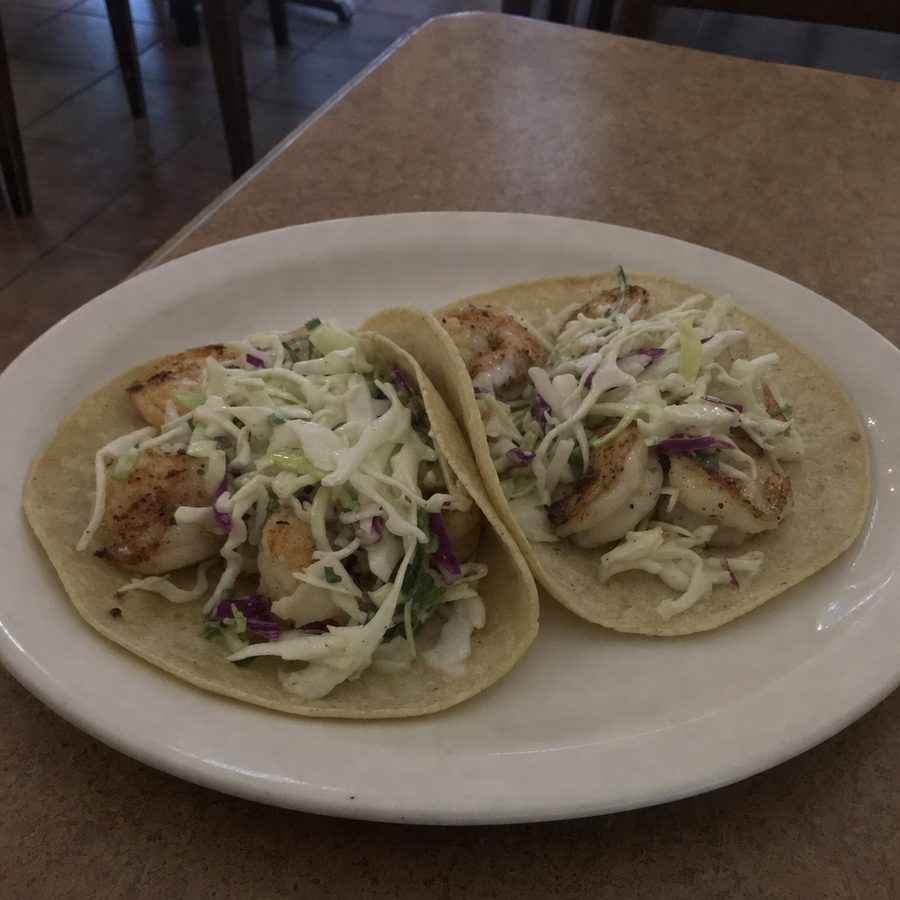
After
Master Requirements Table
Every platform has different specs. This table only lists numbers we could verify against each platform's own merchant documentation or partner guidance that mirrors it; where a value is not published, the table says so instead of guessing. US platforms first, then international services.
| Platform | Min Dimensions | Max Size | Aspect Ratio | Format |
|---|---|---|---|---|
| Uber EatsFrom Uber merchant docs. Cover photo: 2880 x 2304, 5:4, JPEG | 550 x 440 (up to 10,000 x 10,000) | 10 MB | 5:4 to 6:4 | JPG, PNG, GIF |
| DoorDashFrom DoorDash merchant docs. App shows a 1:1 center crop, so keep the dish centered | 1400 x 800 minimum | 2 MB stated, up to 16 MB accepted | 16:9 landscape only | JPG, JPEG, PNG |
| GrubhubPer integrator docs mirroring Grubhub developer specs. Header image: 4:3, 4K recommended | 1400 x 1400 (200 x 200 absolute minimum) | Not published | 1:1 square | JPEG |
| DeliverooApp shows a 1:1 center crop; leave 15 to 20% margin. Hero image: 1920 x 1080+, 16:9 | 1200 x 800 minimum | Not published | 3:2 | JPEG only per partner guidance |
| PedidosYaSee the PedidosYa section below for the 6 MB vs 20 MB conflict | 720 x 540 (per partner portal, unconfirmed) | 6 MB per official help center | Not confirmed (landscape guidance) | JPG, PNG |
| FoodpandaPer the Foodpanda menu requirements document. Top or front view only | 4000 x 2925 at 72 dpi | Not published | About 1.37:1 | JPG |
Pro tip: Shoot one high-resolution landscape master photo with the dish centered and margin on every side. It crops cleanly to 16:9 for DoorDash, 4:3 or 5:4 for Uber Eats, and 1:1 square for Grubhub.
A note on the brands missing from the table: Postmates now runs on Uber Eats, Caviar on DoorDash, and Seamless on Grubhub, so their listings follow the parent platform's specs. Other services do not publish exact pixel requirements, and we do not print numbers we cannot verify.
Platform by Platform: Specs and Key Rules
The table gets you past the automated check. Each platform also enforces content rules, and those differ more than the pixel counts do. Here is what each service actually asks for.
Not Sure If Your Photo Meets Requirements?
Upload your photo and instantly see if it passes or fails for every platform. Free, no signup required.
Check Your Photo FreeCommon Rejection Reasons & Fixes
One Photo Set for All Platforms
You don't need a separate photoshoot per platform. One master photo, shot large with cropping in mind, covers every service you sell on. The trick is shooting wider than any single platform needs, so each crop still has margin.
Universal best practices for every platform
- RGB color space (CMYK displays incorrectly on digital platforms)
- Aim for 1-3MB per image: small enough to upload, large enough to survive compression
- Show everything included with the dish (sides, garnishes, sauces)
- Same styling across platforms so customers recognize your food
- Replace photos when menu items change, and recheck how they render on a phone
Having Photo Problems?
Frequently asked questions
DoorDash requires at least 1400x800 pixels in landscape 16:9 orientation. Uber Eats accepts anything from 550x440 up to 10,000x10,000 pixels with a recommended aspect ratio between 5:4 and 6:4. Grubhub's published guidance points to 1400x1400 square JPEGs. Each platform compresses images differently, so shoot large and export to each spec rather than uploading the same file everywhere.
The same source photo, yes; the same exported file, no. The aspect ratios differ: 16:9 landscape for DoorDash, roughly 4:3 to 5:4 landscape for Uber Eats, and 1:1 square for Grubhub. Shoot one high-resolution master with the dish centered and empty margin around it, then crop a version per platform.
PedidosYa's official help center indicates JPG or PNG files with a maximum of 6 MB, and its partner photography guide calls for natural lighting, sharp focus, landscape orientation, and a clean background showing the product as it actually arrives. The 720x540 pixel minimum that circulates in searches appears to come from the partner portal's upload validator, but PedidosYa does not publish it in any documentation we could verify, so treat it as unconfirmed validator behavior and a floor, not a target: upload the largest clean photo you have.
The official PedidosYa help center article states a 6 MB maximum for JPG or PNG uploads. The 20 MB figure that appears in search queries could not be confirmed against any official PedidosYa documentation, and may come from a different country portal or an older self-management tool. Until PedidosYa publishes otherwise, keep files under 6 MB and they will clear either limit.
Foodpanda's menu requirements document specifies 4000 x 2925 pixels at 72 dpi, which is unusually large for a delivery app and closer to print-grade resolution. It gives Foodpanda room to crop and compress for every surface in the app. Most recent phone cameras can hit it: a 12 MP sensor shoots 4032 x 3024, so a light crop still clears the bar.
Platforms run automated checks on dimensions, file size, and format before any human sees the photo. A file that fails those silently bounces without a specific reason. Check the exact specs in the table above, or run the photo through a checker tool to identify which requirement failed.
Start with one high-resolution landscape master per dish, at least 1600 pixels on the short side, with the dish centered and generous margin. Export a 16:9 crop for DoorDash, keep a 4:3 or 5:4 landscape version for Uber Eats and Deliveroo, and cut a 1:1 square for Grubhub. Batch processing tools can generate all versions in one pass.
You can adjust brightness in your phone's photo editor, but this often looks washed out. AI tools like MenuCapture can intelligently brighten food photos while preserving natural colors and shadows.
JPG is the safe default for food photos: smaller files with minimal visible quality loss, and it is accepted everywhere. Note that Grubhub's and Deliveroo's partner guidance list JPEG specifically, and Deliveroo is reported to reject PNG, HEIC, TIFF, and WebP outright. PNG works on Uber Eats, DoorDash, and PedidosYa but produces larger files.
Keep reading
DoorDash Photo Requirements
Current DoorDash menu photo specs, rejection reasons, and how to fix them.
Uber Eats Photo Requirements
Exact Uber Eats item and cover photo specs and the reasons photos get rejected.
PedidosYa Photo Requirements
Photo specs and upload rules for PedidosYa restaurant menus.
AI Food Photography
How AI photo editing improves real dish photos, and where it does not fit.
Photo Rejected? Fix It in 30 Seconds
MenuCapture uses AI to fix common photo issues: resize, brighten, correct colors, replace backgrounds. Upload your rejected photo and get a version that passes.
Fix Your Photo Now