Best AI food photography tools: editors vs generators
The 2026 tool list gets simple once you sort each product by what it actually does.
- Sort every 2026 tool into editors of real photos or scene generators
- Compare seven tools with published pricing and billing models
- See which fit orderable menu items and delivery-platform rules
- Learn when a generator or general design tool is the better pick
- Run the 10-minute test that exposes each tool’s failure modes
Updated July 2026
On this page
The short version
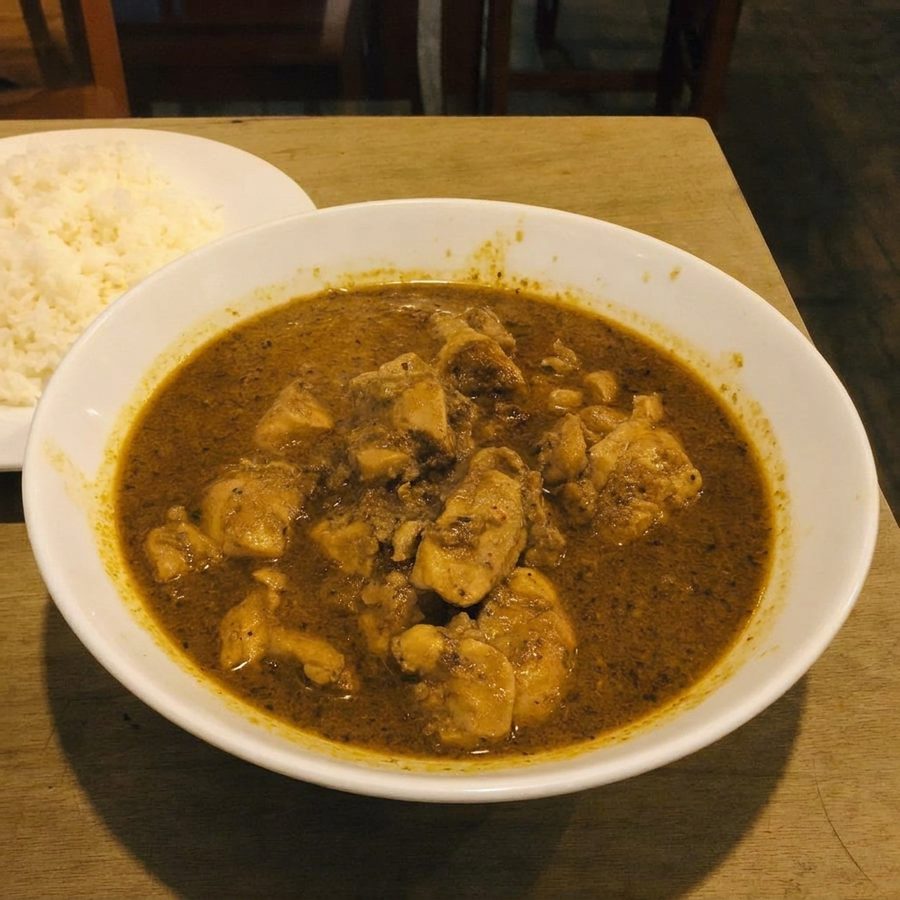
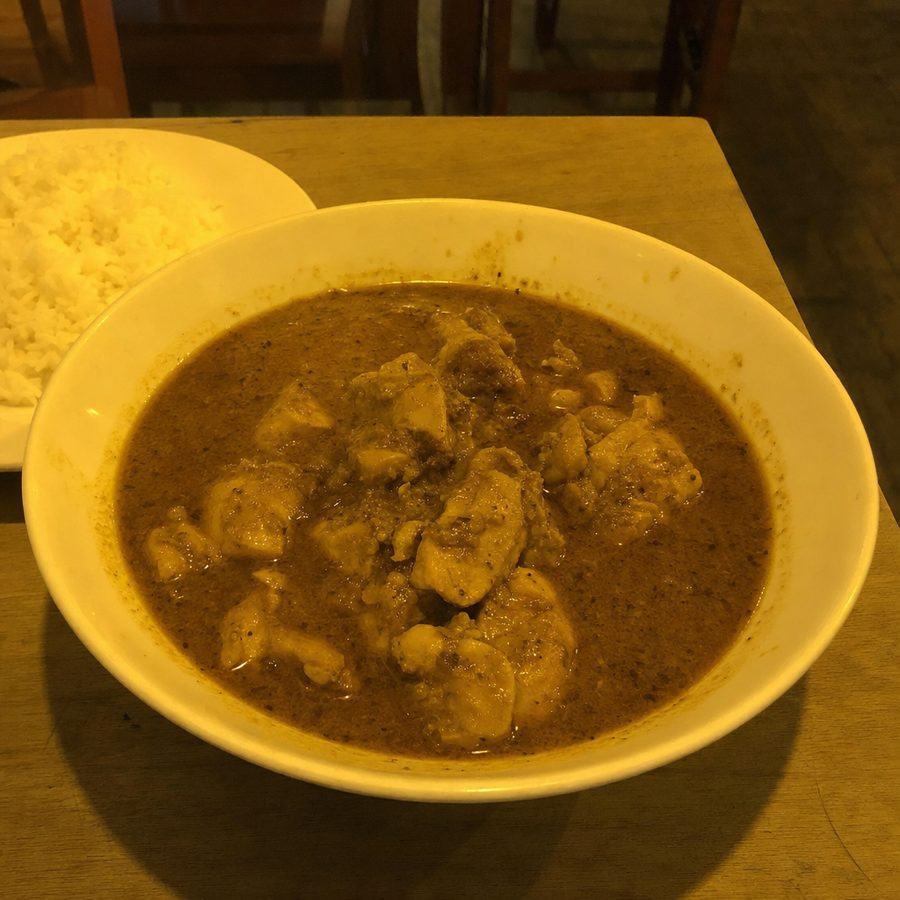
Why the split matters for platforms and customer trust
An editor and a generator can both produce a convincing plate, but they create different evidence. An editing workflow starts with the actual item. A generation workflow predicts a plausible visual from instructions and patterns. The generated result may add a garnish, alter the count, change the crust, substitute a side, reshape the plate, or make a portion look larger. Those changes can be subtle enough to pass a quick visual check.
That is an operational problem on an ordering page. Customers use the image to infer ingredients, portion, cooking style, packaging, and presentation. If the delivered meal differs, the issue is not merely aesthetic. The restaurant has made a visual promise it cannot consistently keep. Trust is protected by an audit trail from real dish to source photo to reviewed edit.
Delivery channels also have their own image rules. The DoorDash photo requirements explain the current format and content considerations for that platform, while the broader delivery-platform requirements guide helps plan reusable sources and separate exports. A tool may create a technically valid file while still producing a factually unsuitable image.
The technical reason is covered in how AI generates food images. For a wider workflow view, the AI food photography guide separates capture, editing, generation, review, and publishing. The key principle is simple: format compliance cannot rescue an image that shows food the kitchen does not serve.
2026 comparison table
Pricing is useful only beside the billing and usage assumption. “Not computable” means the published facts do not provide a complete output count or a comparable definition of one finished photo. It does not mean the tool is expensive.
| Tool | Class | Food-specific? | Published pricing model | Effective cost | Platform-compliance fit |
|---|---|---|---|---|---|
| MenuCapture | EDITOR | Yes | $9 weekly; $159 annual, shown as $13.25/mo; up to 1,500 edits monthly | under 1 cent if the full allowance is used across the annual term; ten weekly-plan edits derive to 24 cents | Strong starting fit because it edits a real dish, subject to restaurant review and correct export |
| FoodShot AI | GENERATOR | Yes | $15, $45, or $99 monthly; cheaper annually, as listed on Capterra/GetApp, July 2026 | Not computable from approved facts | Weak for exact dish listings; useful for invented styled scenes |
| FoodGlow | GENERATOR | Yes | $27, $34, or $67 one-time, foodglow.ai/pricing, July 2026 | Not computable without a defined output count | Weak for exact dish listings because it generates the scene |
| Claid.ai | EDITOR | No, general product photos | Published tiers reported around $9/mo and $39/mo (check claid.ai/pricing), as reported for Claid.ai, 2026 | Not computable from approved facts | Potential fit for source-based edits, with careful food-identity review |
| Flair.ai | GENERATOR | No, general tool with food category | Free, $8, $26, or $38 monthly, flair.ai/pricing, July 2026 | Not computable from approved facts | Better for marketing scenes than documentary menu items |
| Canva Magic Studio | MIXED | No | Pro $15/mo, about $120/yr, with 500 AI credits/mo, Canva published pricing, as reported 2026 | Credit cost is not equal to finished-photo cost | Possible when editing a real source; weak when generating the dish |
| FoodPhoto.ai | GENERATOR | Yes | $10 one-time test pack; $15, $30, $60, or $120 monthly, foodphoto.ai/pricing, July 2026 | Test pack: $10 / 10 credits = $1 per credit; a credit is not necessarily one approved final | Weak for exact dish listings; aimed at generated food visuals |
The table does not declare a universal winner. A compliance fit describes the workflow, not guaranteed platform approval. The restaurant must compare each output with the actual serving, follow the current channel rules, and reject misleading changes.
FoodShot AI: GENERATOR, food-specific
FoodShot AI creates styled food images from prompts and templates, so it belongs in the generator category. It can be a productive choice when the desired output is a visual concept, a themed campaign scene, or food content that is not being offered as documentary evidence of one plated item.
Starter is $15/mo, Business is $45/mo, and Scale is $99/mo, with cheaper annual billing, as listed on Capterra/GetApp, July 2026. The approved facts do not define a comparable count of accepted finished photos, so a defensible per-photo cost cannot be calculated here.
For delivery listings, the deciding issue is still whether the generated dish matches the actual order. A photorealistic result can be visually successful and operationally unsuitable at the same time. Use FoodShot AI where invention is allowed, and use a source-based editor where the picture must document the kitchen's serving.
For restaurants weighing it against editing real dish photos, the FoodShot AI alternative guide looks at that job difference in detail.
FoodGlow: GENERATOR, food-specific
FoodGlow is classified as a generator in the verified 2026 roster. Its food focus may reduce the setup work needed to create a styled food visual, but specialization does not turn a generated scene into a record of the restaurant's real portion or plating.
The published tiers are one-time payments of $27, $34, and $67, according to foodglow.ai/pricing, July 2026. One-time pricing can appeal to a buyer who dislikes subscriptions. A per-photo figure still cannot be computed without assuming how many useful outputs the buyer will create and approve.
FoodGlow makes the strongest sense for teams that want food-oriented generated creative with a one-time purchase. For restaurants comparing it with a source-photo workflow, the FoodGlow alternative guide examines the job difference more closely.
Claid.ai: EDITOR, general product photography
Claid.ai is the other editor in the core roster. It works across product photography rather than concentrating on food, with source-based cleanup and background workflows. That makes it more relevant to accurate menu work than a pure generator, provided the operator watches closely for changes to food texture, edges, shadows, and geometry.
Published tiers are reported around $9/mo and $39/mo (check claid.ai/pricing), as reported for Claid.ai, 2026. The hedge matters because the first-party pricing page did not render during verification and secondary reports supplied the tier figures. No comparable finished-photo count is approved, so this page does not invent one.
Claid.ai can suit a business that wants one product-image system across food and non-food inventory. A restaurant that wants a workflow centered only on real dishes may prefer a specialist. See the Claid.ai alternative comparison for that narrower decision.
Flair.ai: GENERATOR, general tool with a food category
Flair.ai is a general AI photoshoot product with a food category. It is classified here as a generator because its central value is assembling new product and food scenes, not preserving a documentary chain from one restaurant plate to a controlled edit.
Its published monthly lineup is Free, $8, $26, and $38, according to flair.ai/pricing, July 2026. Those tiers make it accessible for testing broad creative work. The approved facts do not support a per-finished-photo calculation.
Flair.ai is a reasonable candidate for campaign layouts, product scenes, packaging concepts, and non-menu social content. It is less suitable when the output must prove exactly what comes in an order. The Flair.ai alternative guide compares those workflows directly.
Canva Magic Studio: MIXED, general design
Canva is not cleanly described as only an editor or only a generator. Magic Studio combines generative features with ordinary design and image-editing work. For a restaurant already producing menu layouts, flyers, and social assets in Canva, keeping those tasks in one workspace can matter more than having a food-specific interface.
Canva Pro is $15/mo, about $120/yr, with 500 AI credits/mo, according to Canva published pricing, as reported 2026. Credits do not translate cleanly into approved photos because different actions may consume them and a finished image may require several attempts or manual steps.
Canva is a fair choice when the team needs broad design capability, already knows the interface, and can keep the actual food source intact. It is not MenuCapture's direct equivalent: one is a broad design suite, while the other centers recurring edits of real dish photographs. Judge the extra handwork and the accuracy review, not just subscription overlap.
FoodPhoto.ai: GENERATOR, food-specific
FoodPhoto.ai is a food-specific generator. It is built for creating food visuals at several usage levels, including a small test purchase and studio-scale subscriptions. As with the other food generators, category specialization can improve convenience without guaranteeing that a scene represents a restaurant's actual plate.
The Menu Test Pack is $10 one-time; Starter is $15/mo; Growth is $30/mo; Pro is $60/mo; and Studio is $120/mo, according to foodphoto.ai/pricing, July 2026. The test pack contains 10 credits, so $10 divided by 10 derives to $1 per credit. A credit should not be presented as one approved final photo because generation, selection, and revision are separate steps.
The test pack makes a controlled evaluation straightforward. Use it on marketing concepts, then check whether the workflow fits the real publishing need. If the job is an orderable dish, compare it with a source-based process through the FoodPhoto.ai alternative guide.
General generators in one paragraph
DALL-E, Midjourney, and Adobe Firefly are general generators that invent scenes rather than acting as menu-accurate food editors. Hedged starting prices are DALL-E access from $20/mo through ChatGPT Plus, Midjourney from $10/mo, and Firefly from $9.99/mo, all from vendor-published plans, as reported 2026. DALL-E 3 was being retired in May 2026 and replaced by GPT Image inside ChatGPT, according to the same 2026 vendor-plan reporting. These systems are capable creative tools, but their natural use here is ideation, illustration, and campaign work where a fictional scene is acceptable.
When a generator or general tool is the better pick
How to test any tool in 10 minutes
Use one representative source. Pick a dish with defining details such as a visible ingredient mix, counted pieces, sauce edge, garnish, and recognizable plate. Do not use the easiest photograph in the library. Keep the untouched original beside every result.
Give each tool the same job. Ask for the same background direction, lighting correction, crop intent, and instruction to preserve the food. If a generator cannot accept or reliably preserve that source, record that as a workflow difference instead of changing the test to favor it.
Inspect food before style. Compare ingredient count, portion, shape, doneness, texture, garnish, sauce placement, plate geometry, utensils, and packaging. Zoom into edges where food meets the plate or background. Look for repeated textures, melted boundaries, impossible shadows, invented crumbs, or details that disappear.
Check publishing utility. Confirm there is enough space for each required crop, that the file remains clear at menu-thumbnail size, and that no text, marks, or decorative objects interfere. Review the output against the relevant platform requirements rather than assuming a landscape image is automatically acceptable.
Count work, not generations. Record the time needed to prompt, select, correct, review, export, and recheck one acceptable image. A low subscription price can still be a poor operating choice if every dish needs several manual repairs. A higher apparent cost can be reasonable when it consistently produces an accurate file with less intervention.
Make a publish or reject decision. Ask whether a customer receiving the real meal would consider the photo fair. If the answer depends on explaining what the AI changed, reject the output. Repeat the test with a second dish before choosing a long-term workflow, because soups, fried food, drinks, and mixed plates expose different failure modes.
Frequently asked questions
The right shortlist depends on whether the job is editing a photograph of a real dish or generating a new food scene. MenuCapture and Claid.ai are editors, although Claid.ai is a general product-photo tool. FoodShot AI, FoodGlow, Flair.ai, and FoodPhoto.ai are generators. Canva mixes generation and editing features. Menu listings usually call for an editor, while concept art and non-item marketing creative can suit a generator.
An editor begins with a photograph and changes presentation around that source. A generator synthesizes a scene from a prompt, template, or reference and may invent ingredients, portions, textures, utensils, or plating. That distinction is more important than visual polish when the image will represent a dish customers can order.
A restaurant should use an image that accurately represents the item sold and should check the current DoorDash rules before upload. A generated scene can introduce food that is not actually served, so it is a weak fit for a dish listing. A real source photo, carefully edited and reviewed against the serving, provides a clearer accuracy chain.
MenuCapture is a food-specific editor built around real dish photos. Claid.ai is also classified as an editor here, but it is a general product-photo tool rather than a food-specific workflow. Canva can perform some editing tasks, though it combines those with broader design and generation features. Restaurants should test whether each output preserves the defining food, portion, garnish, and plate.
FoodGlow publishes one-time tiers rather than a monthly subscription. Its listed one-time prices are $27, $34, and $67, according to foodglow.ai/pricing, July 2026. FoodPhoto.ai also lists a $10 one-time Menu Test Pack, alongside monthly plans, according to foodphoto.ai/pricing, July 2026.
Usually not for an orderable dish. General generators are useful for concept boards, campaign backgrounds, illustrations, and social content where the scene is not evidence of the exact serving. For a menu item, generated ingredients or portions can undermine accuracy and trust. Use a real photograph and verify every edit against the dish that leaves the kitchen.
Run the same representative dish photo through each candidate. Use the same written brief, keep the original visible, and inspect food identity, portion, color, edges, shadows, plate geometry, crop room, and export quality. Also measure how much manual correction and review the result needs. Reject any output that changes what a customer would reasonably expect to receive.
MenuCapture is not the right choice when no usable photograph exists, when food needs physical styling before capture, when the assignment requires interiors or staff, or when the goal is to invent campaign concept art. Those jobs call for a photographer, stylist, designer, or generator. MenuCapture fits recurring edits of accurate photographs of real dishes.
Keep reading
Compare Menu Photo Options
MenuCapture next to photographers, freelancers, and other tools.
MenuCapture Alternatives
A fair rundown of the other menu photo tools on the market.
AI Food Photography
How AI photo editing improves real dish photos, and where it does not fit.
How Much Does Food Photography Cost in 2026?
Real shoot rates, hidden costs, budget scenarios, and where AI editing changes the math.
Edit a real dish photo for the next menu update
MenuCapture gives restaurants a source-based editing workflow for their own dish photographs, with pricing suited to recurring menu and delivery work.
View pricing