AI Food Photo Enhancer for Restaurant Dishes
MenuCapture is an AI food photo enhancer for restaurant dish photos: upload a photo of a dish, type the change you want, and download the edited photo. It edits your real photo, so you start from the dish your kitchen made.
Upload a dish photoFirst edit free after signup, no card needed.
How it works
What it fixes
- Light: Lifts a dark, underexposed dish photo to an even exposure.
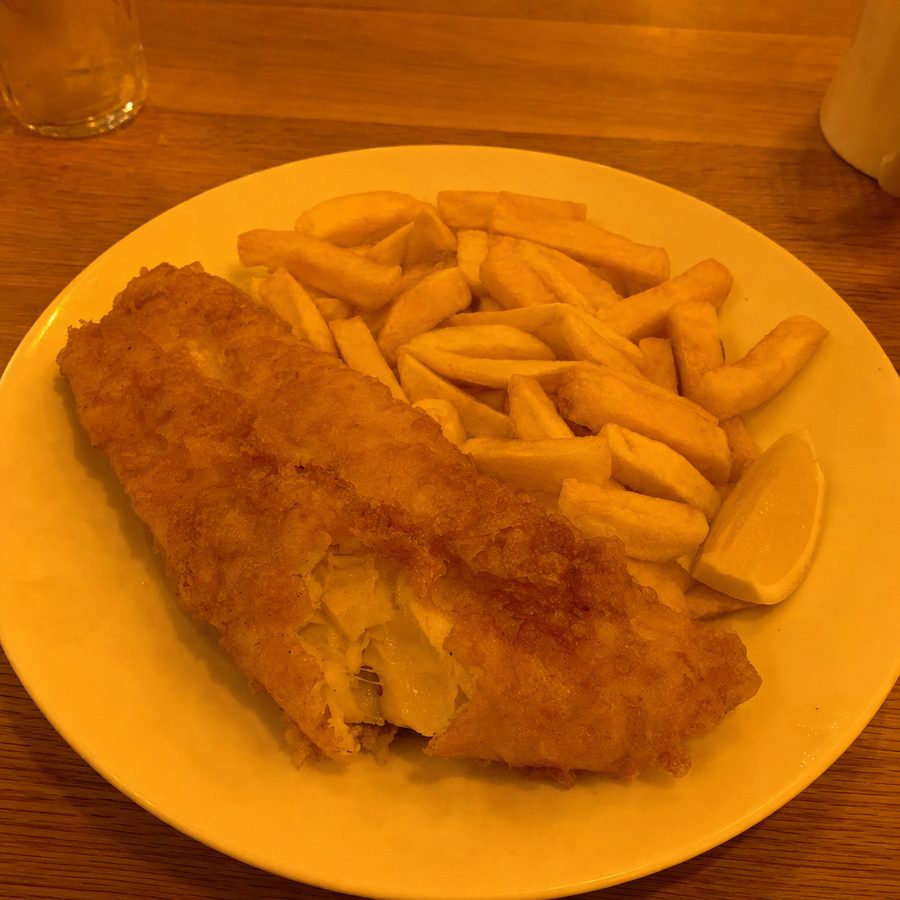
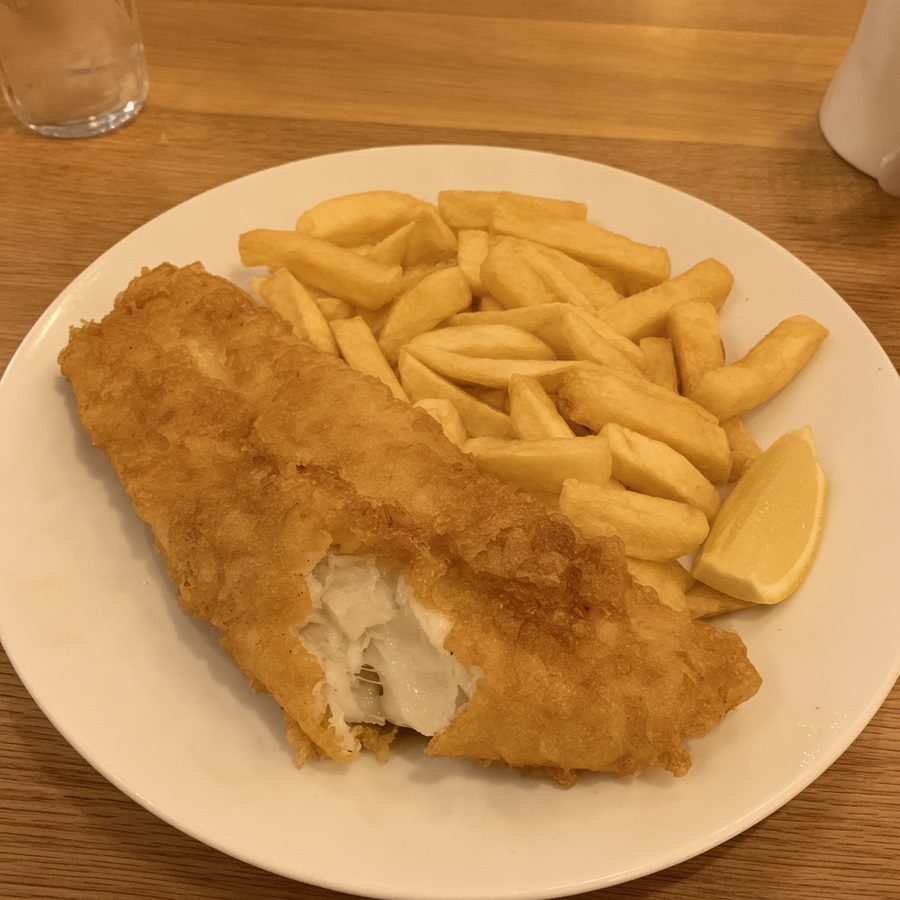
- Color: Corrects white balance and the yellow cast that warm restaurant bulbs leave.
- Background: Replaces a cluttered table or kitchen behind the plate with a clean surface.
- Steam: Adds steam to a hot dish when you type it.
- Sizes for each delivery app: Exports the finished photo for DoorDash (1920x1080), Uber Eats (1600x1280), Deliveroo (1920x1080) and Grubhub (1600x1600).
Before and after
Each pair shows the same dish photo before and after editing.
Before
After
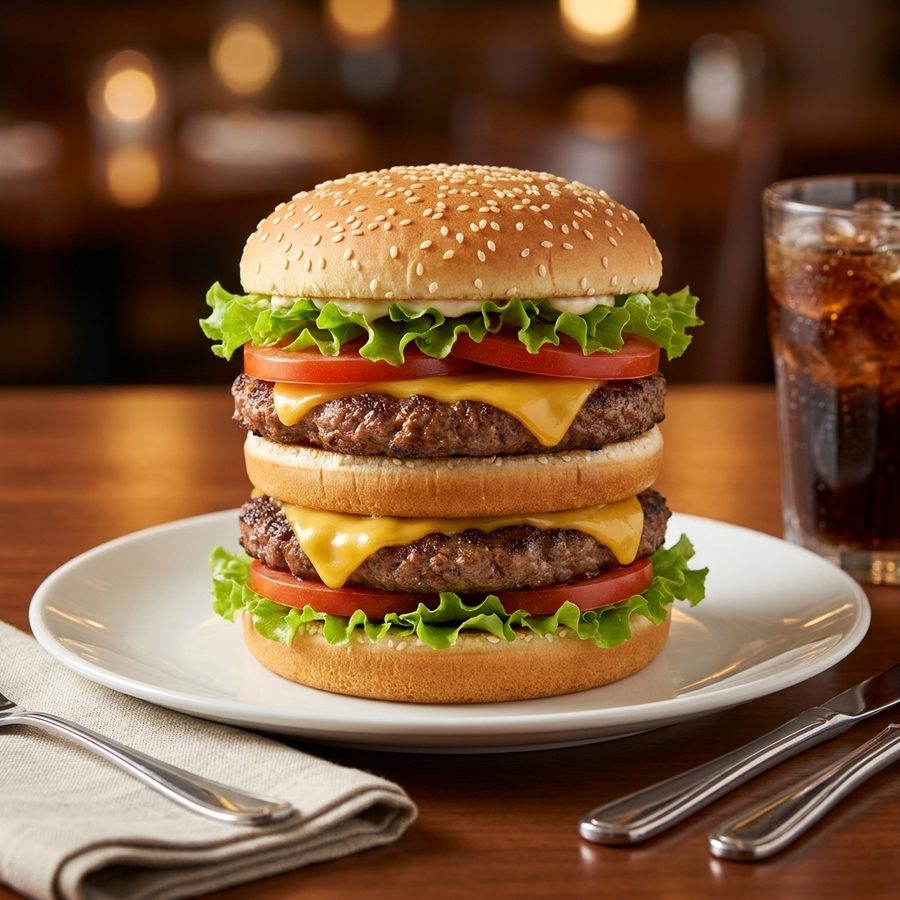
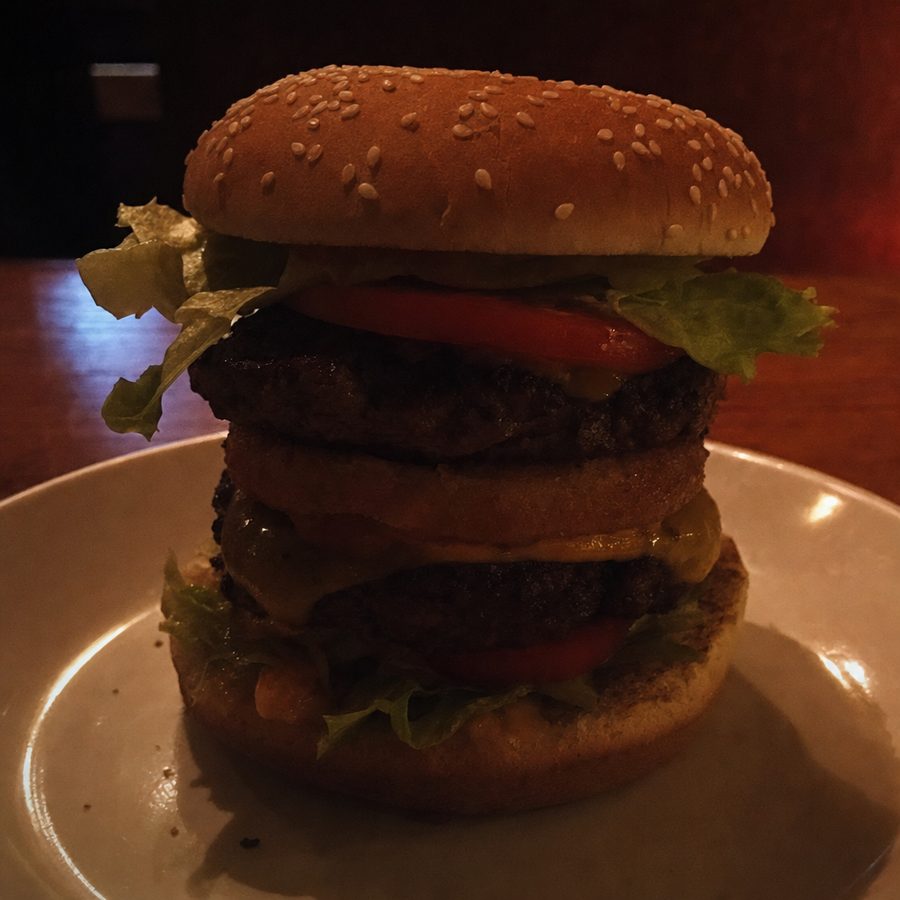
Before
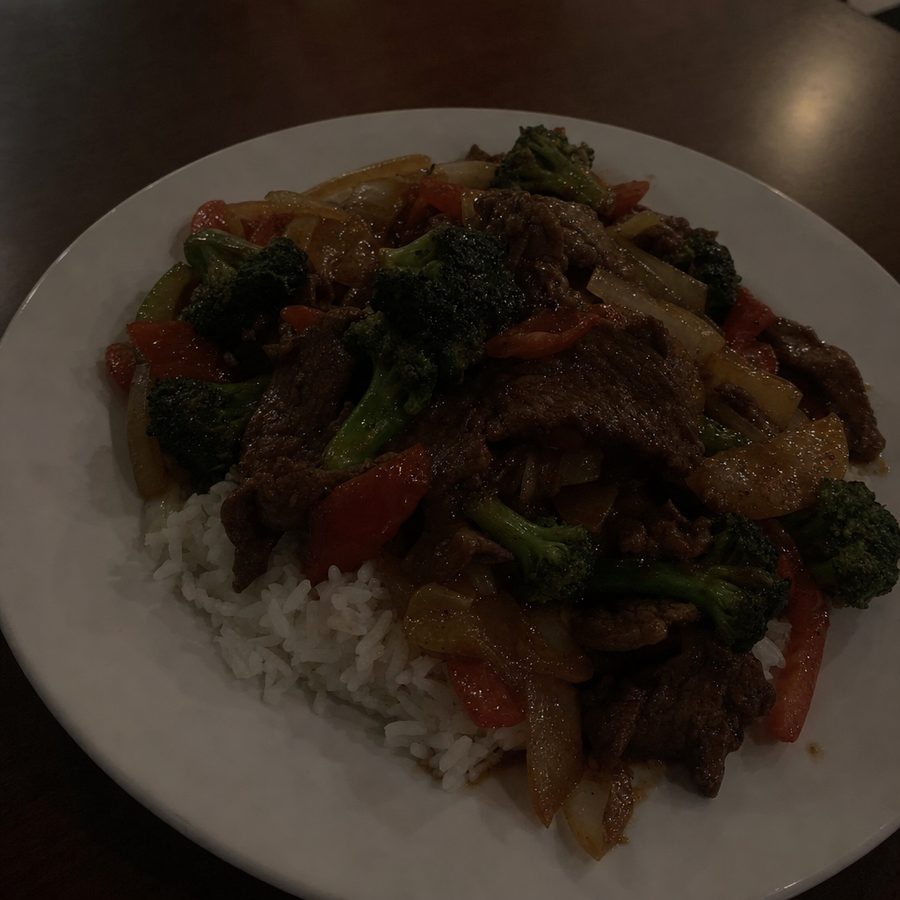
After
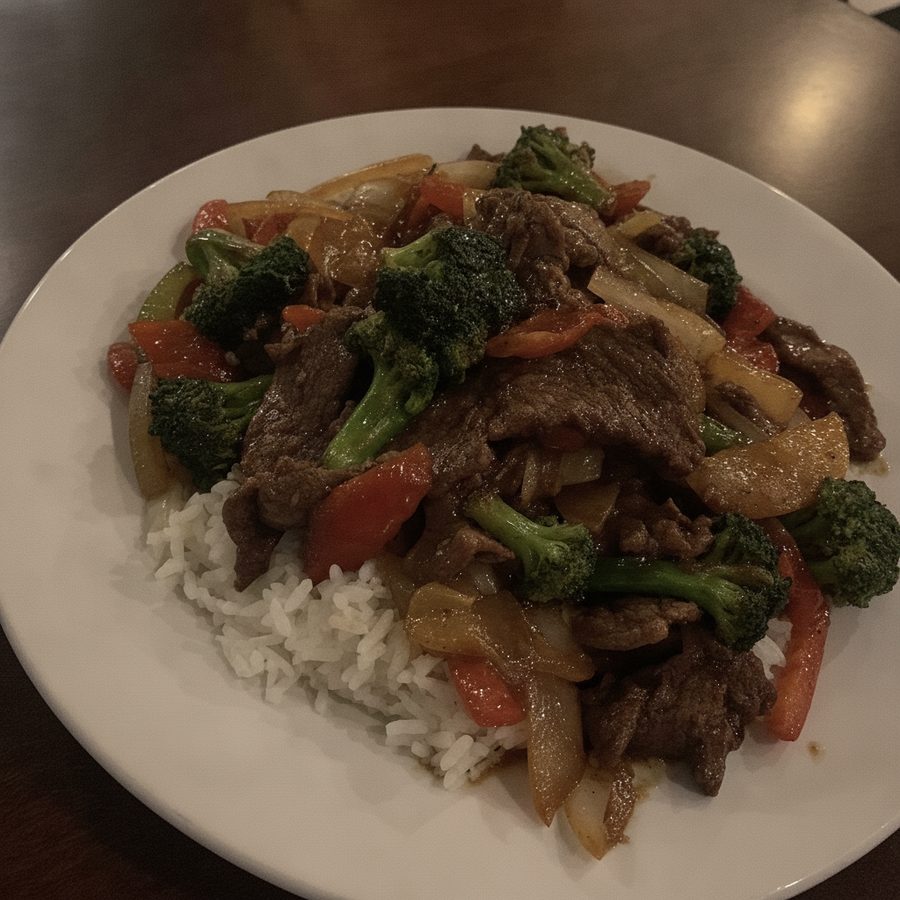
Before
After
Price and plans
- Your first edit after signup is free, with no card needed. Downloads need a plan.
- Monthly is $19 a month. Annual is $159 a year, which works out to $13.25 a month.
- Both plans include 300 edits a month.
- The Annual plan has a 14-day money-back guarantee. The Monthly plan has no guarantee and can be cancelled anytime.
See the pricing page for the full plan details.
Free tools with no account
These tools need no account. Daily limits apply.
- Menu Photo Analyzer: Upload a dish photo and get specific feedback on lighting, color, and composition.
- Food Background Generator: Swap the background of your real food photo with preset surfaces.
- Steam Generator: Add rising steam to hot dishes so they look fresh out of the kitchen.
- Photo Requirements Checker: Check your photo against the size and format rules of 9 major platforms.
- Background Remover: Replace a cluttered background behind your dish with a clean surface.
- Google Business Profile Photo Resizer: Resize one photo into files that fit Google's Business Profile photo guidelines.