Food Background Generator
Generate a clean, professional background behind your real dish with AI. Upload a photo, pick a surface, and get a finished image in about 15 seconds.
Drop a dish photo here
JPG or PNG up to 3MB. 3 free runs a day with a free account.
Surface: White painted wood. Upload a dish photo to use it.
Compressing image...
Optimizing file size for faster processing
Daily limit reached. Background generation included with your plan. Upload your first photo for up to 300 edits a month.
Choose Background Style
Pick a surface.
Need More Food Backgrounds?
Get up to 300 edits a month, high resolution, no watermarks, and custom background options.
Upload your first photo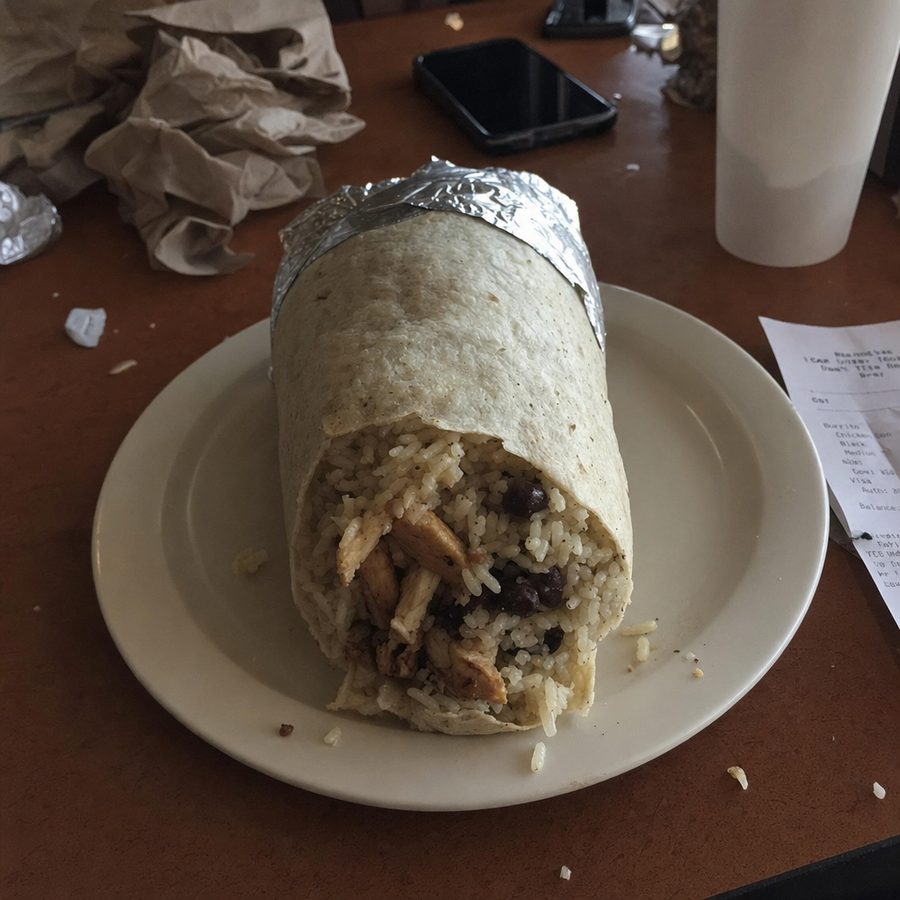
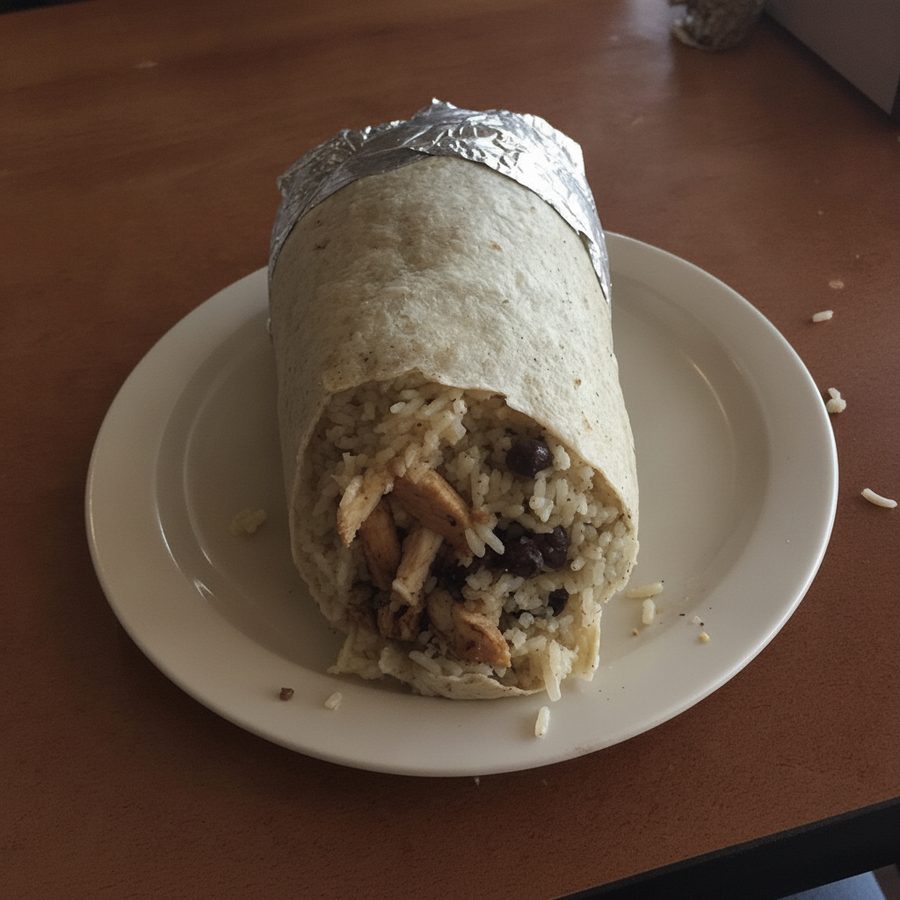
Free account: 3 runs a day, watermarked. Plan: clean, full size, and any edit you can type.
Food backgrounds
19 empty surfaces for food photos. Download one, or use it in the tool above with your own dish photo.
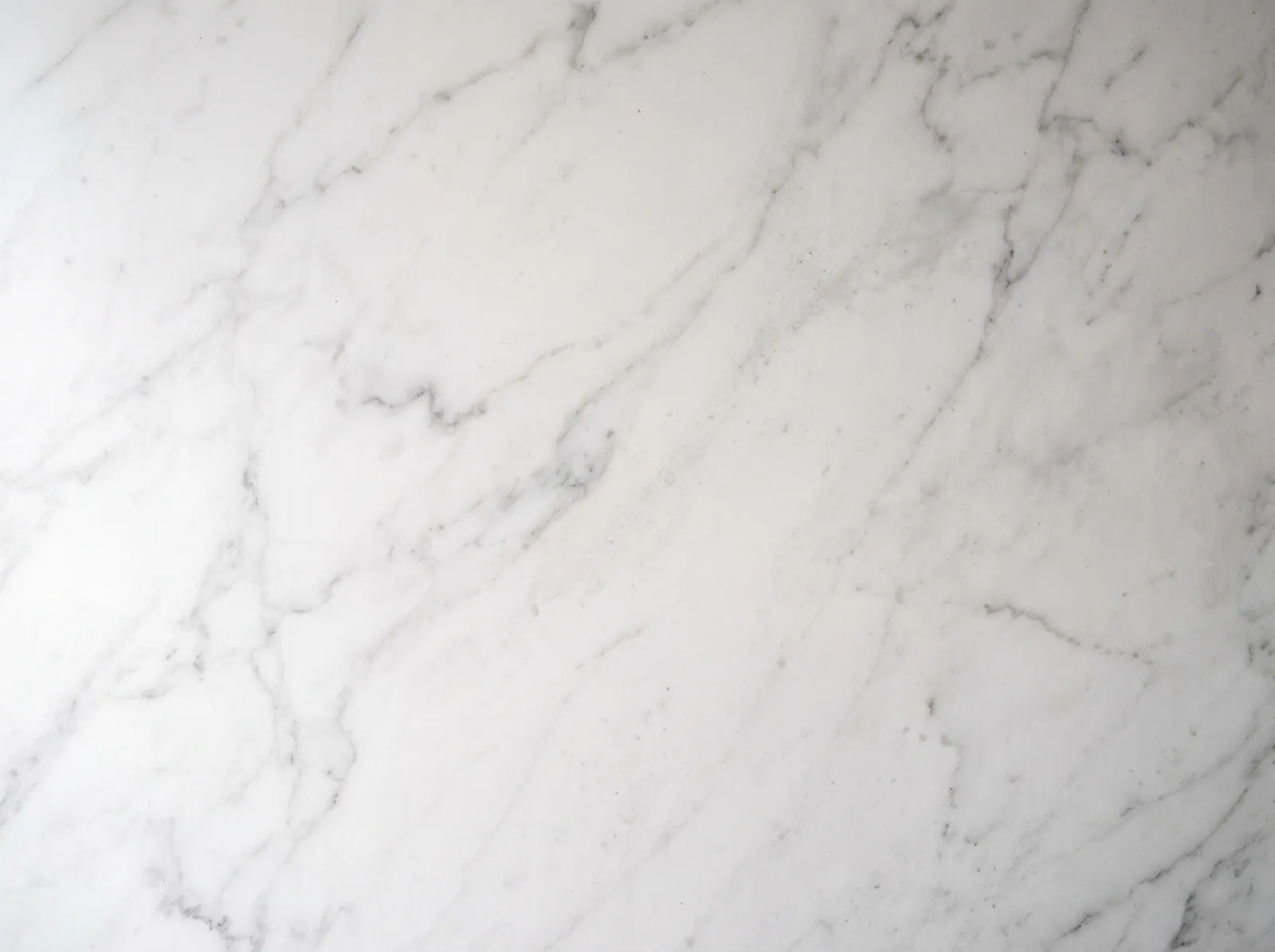 White marbleUse this surfaceDownload
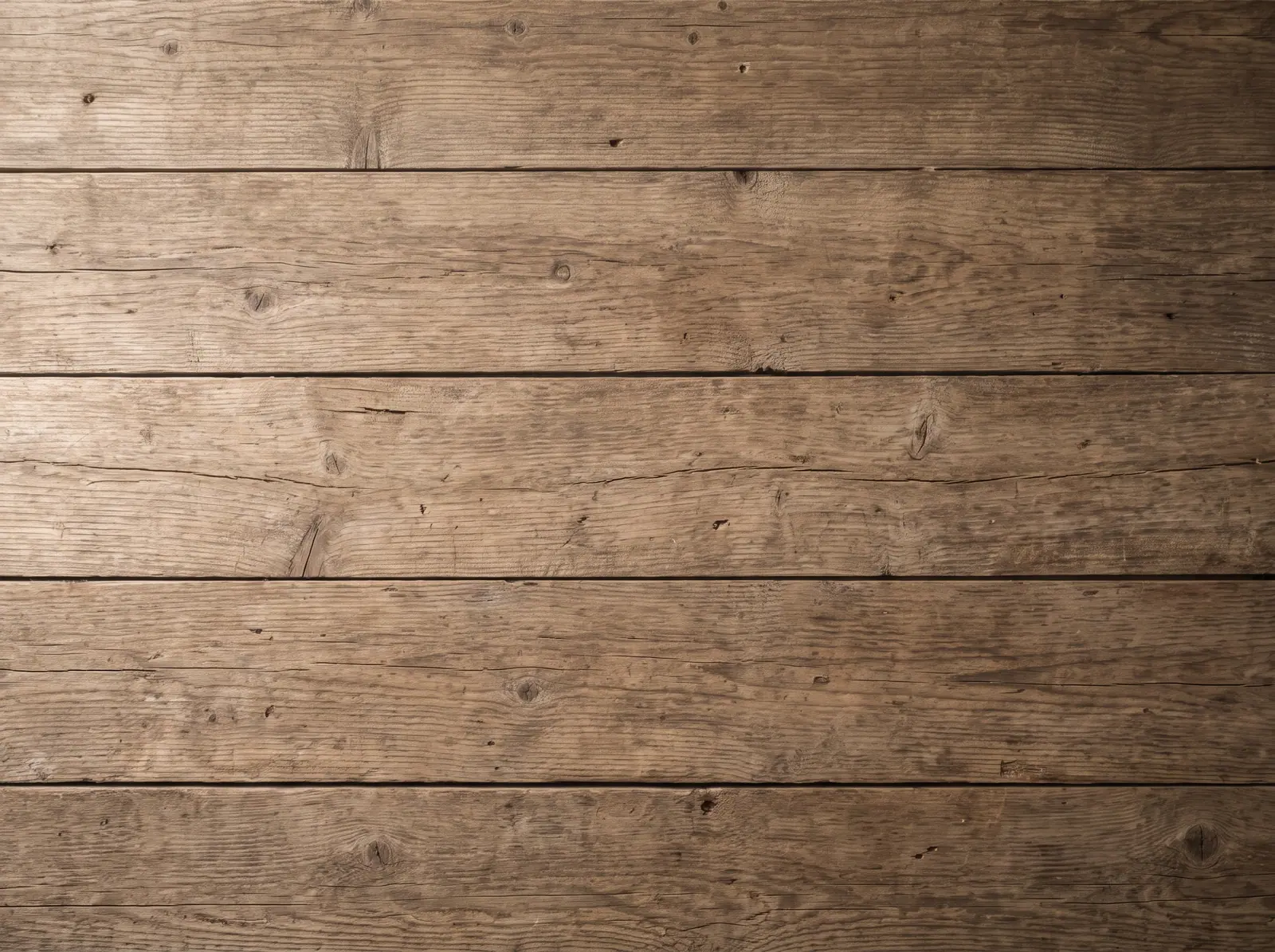 Rustic woodUse this surfaceDownload
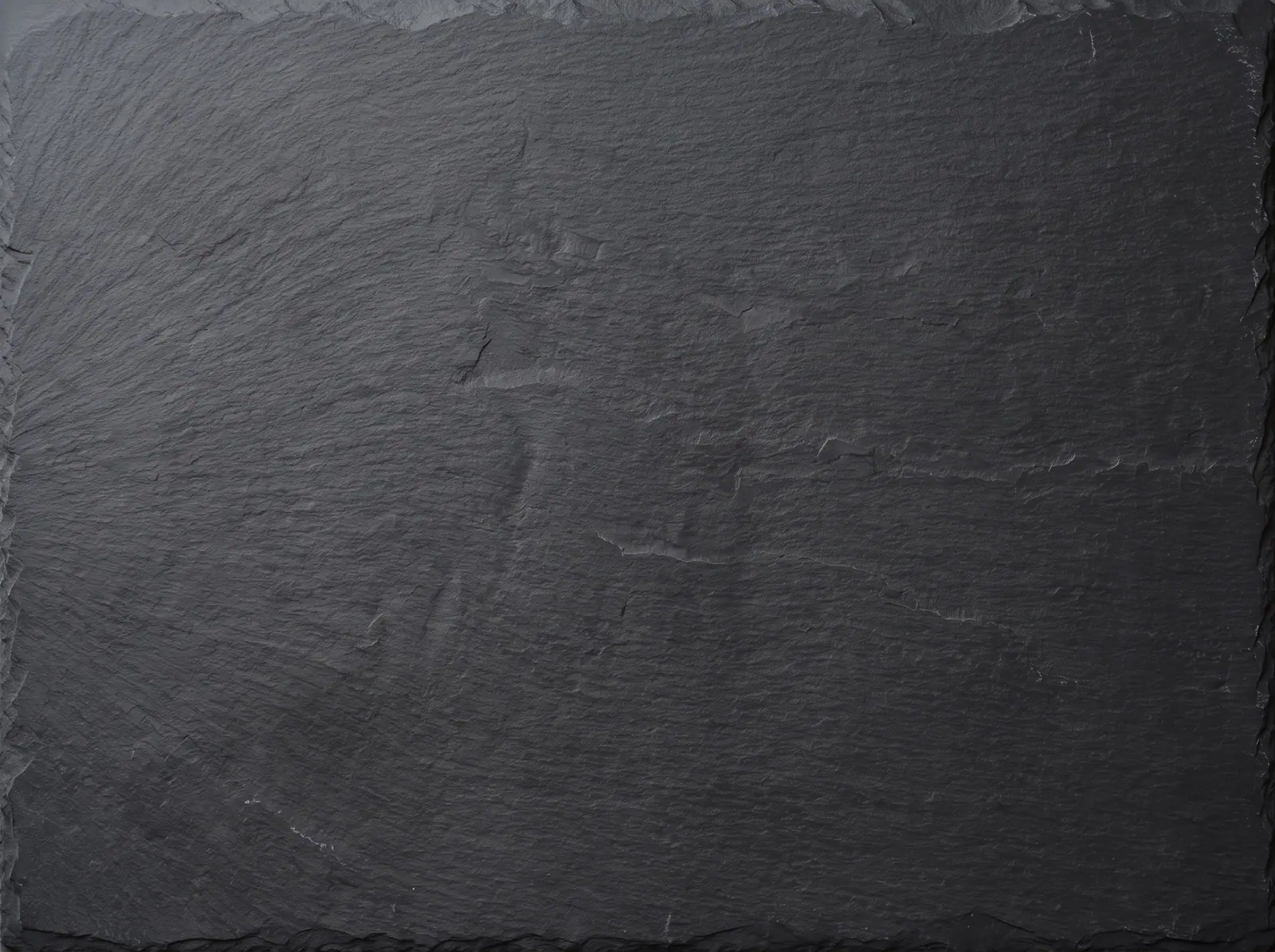 Dark slateUse this surfaceDownload
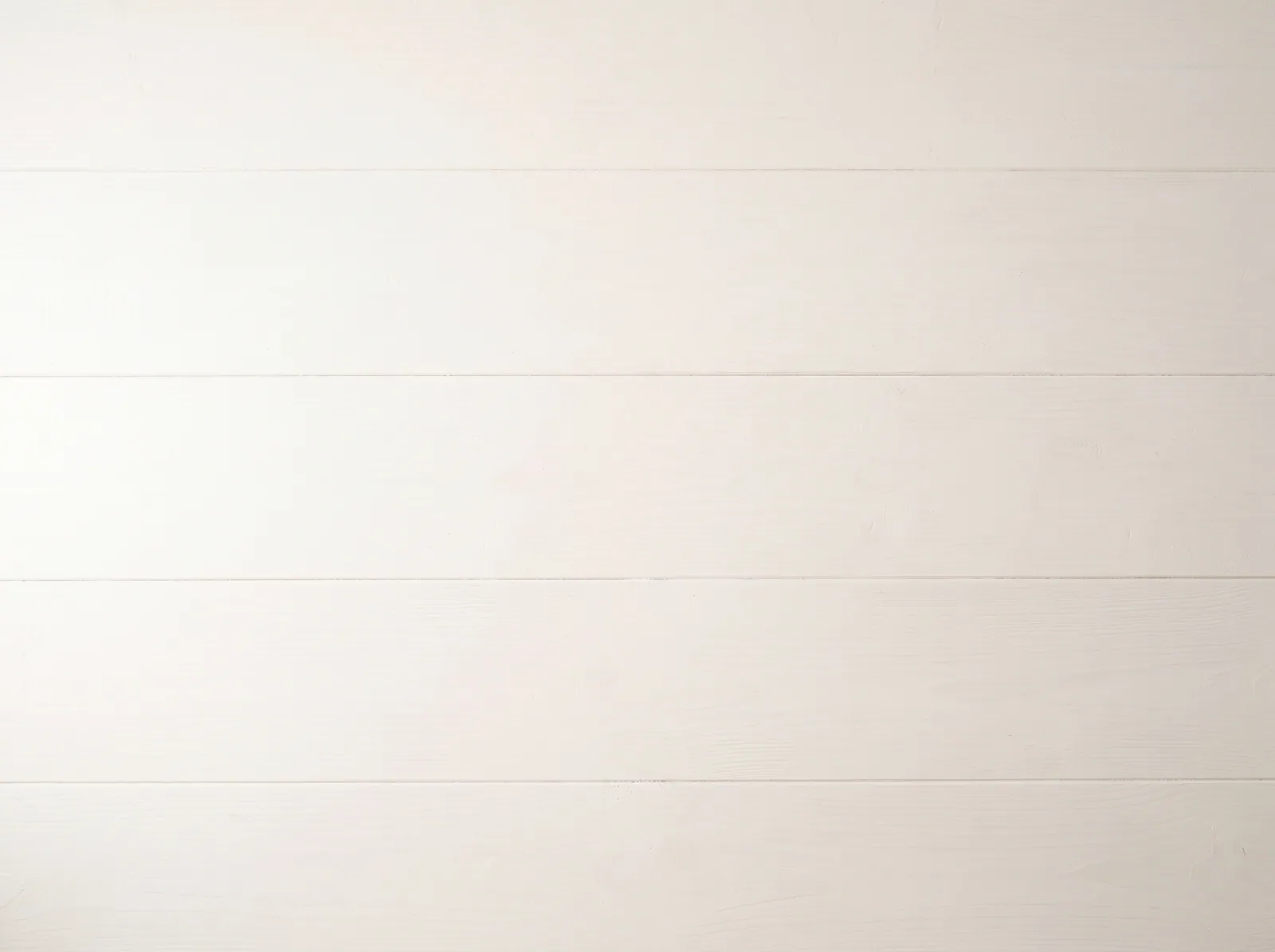 White painted woodUse this surfaceDownload
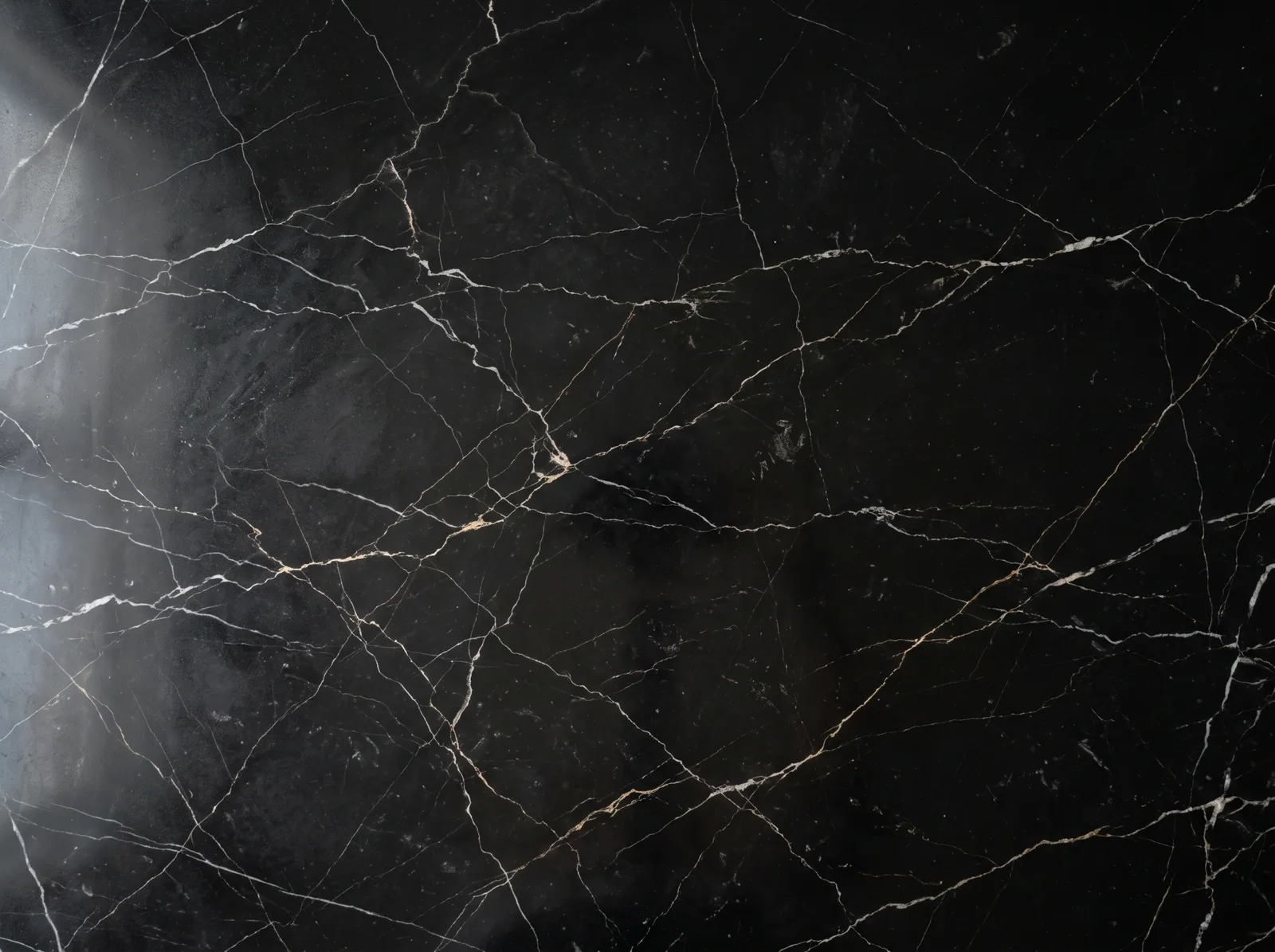 Black marbleUse this surfaceDownload
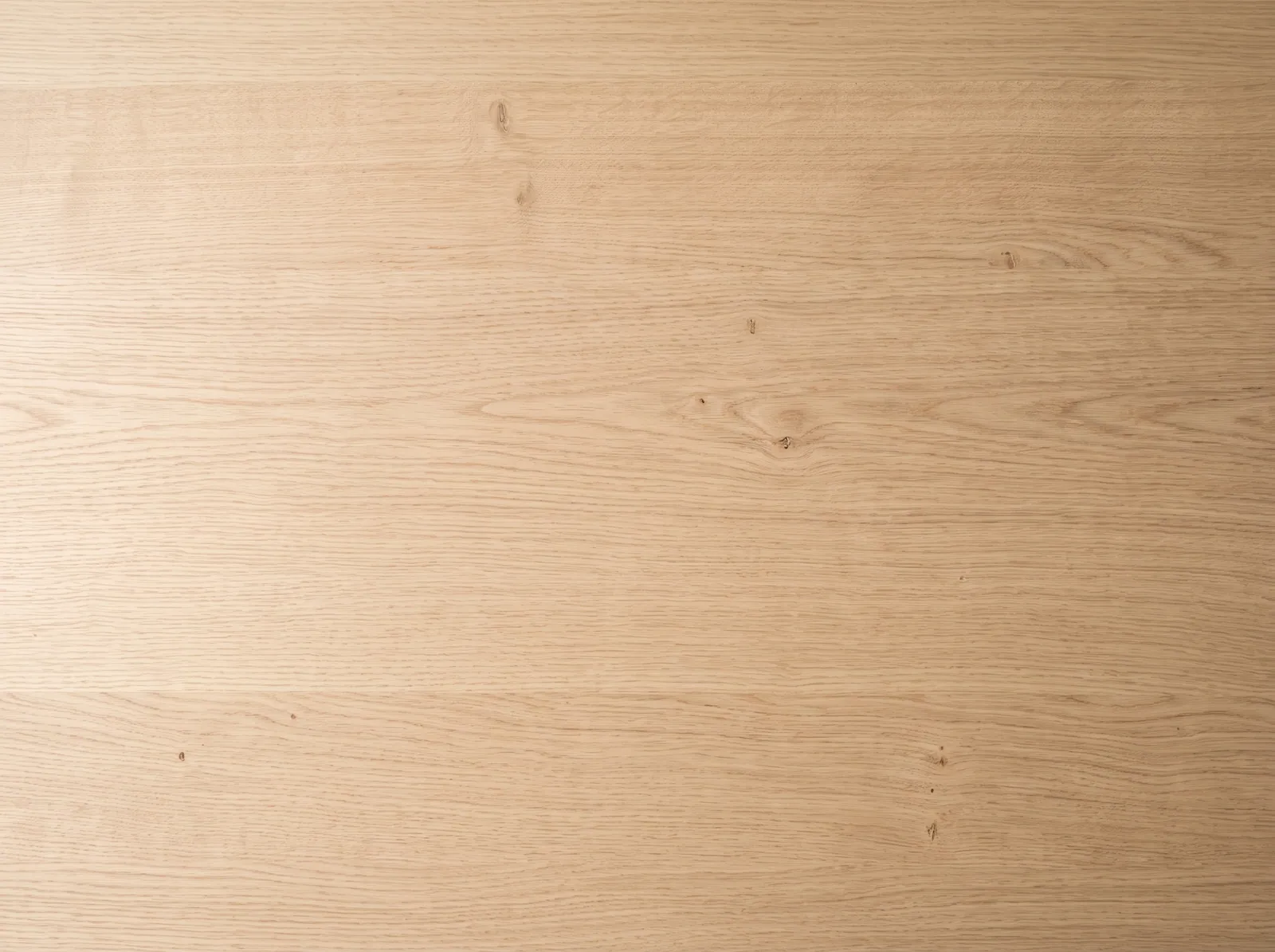 Light oakUse this surfaceDownload
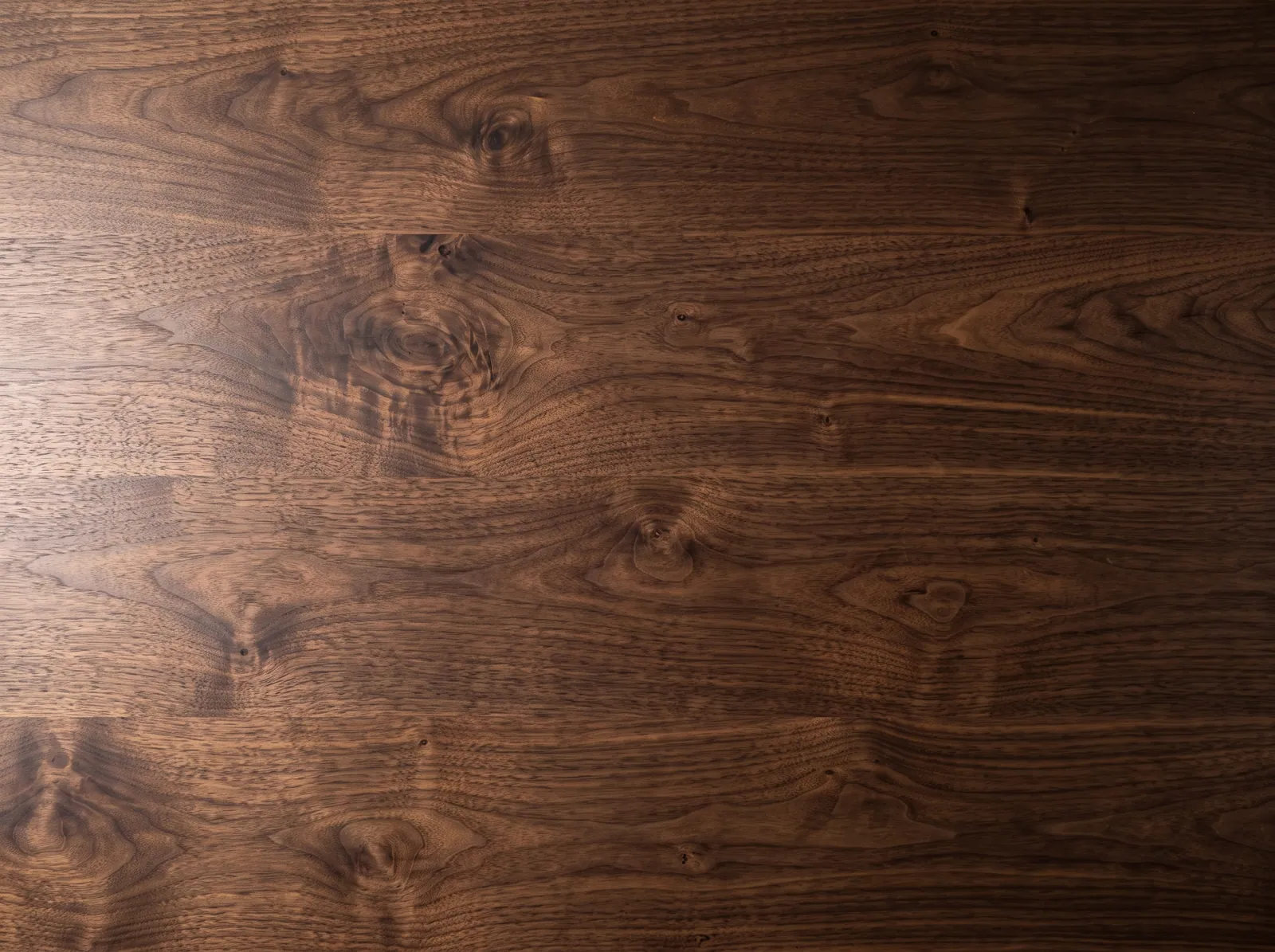 Dark walnutUse this surfaceDownload
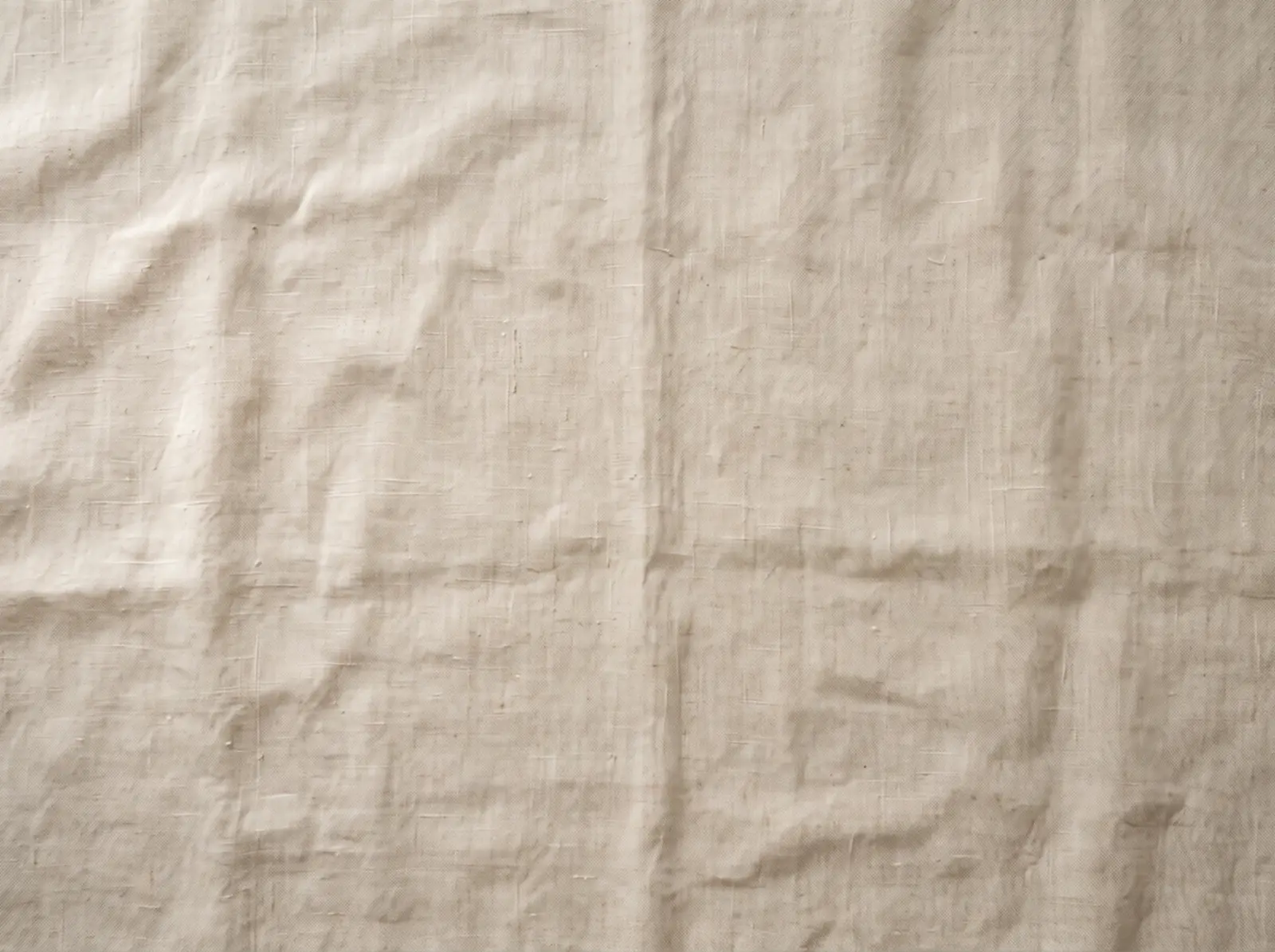 Natural linenUse this surfaceDownload
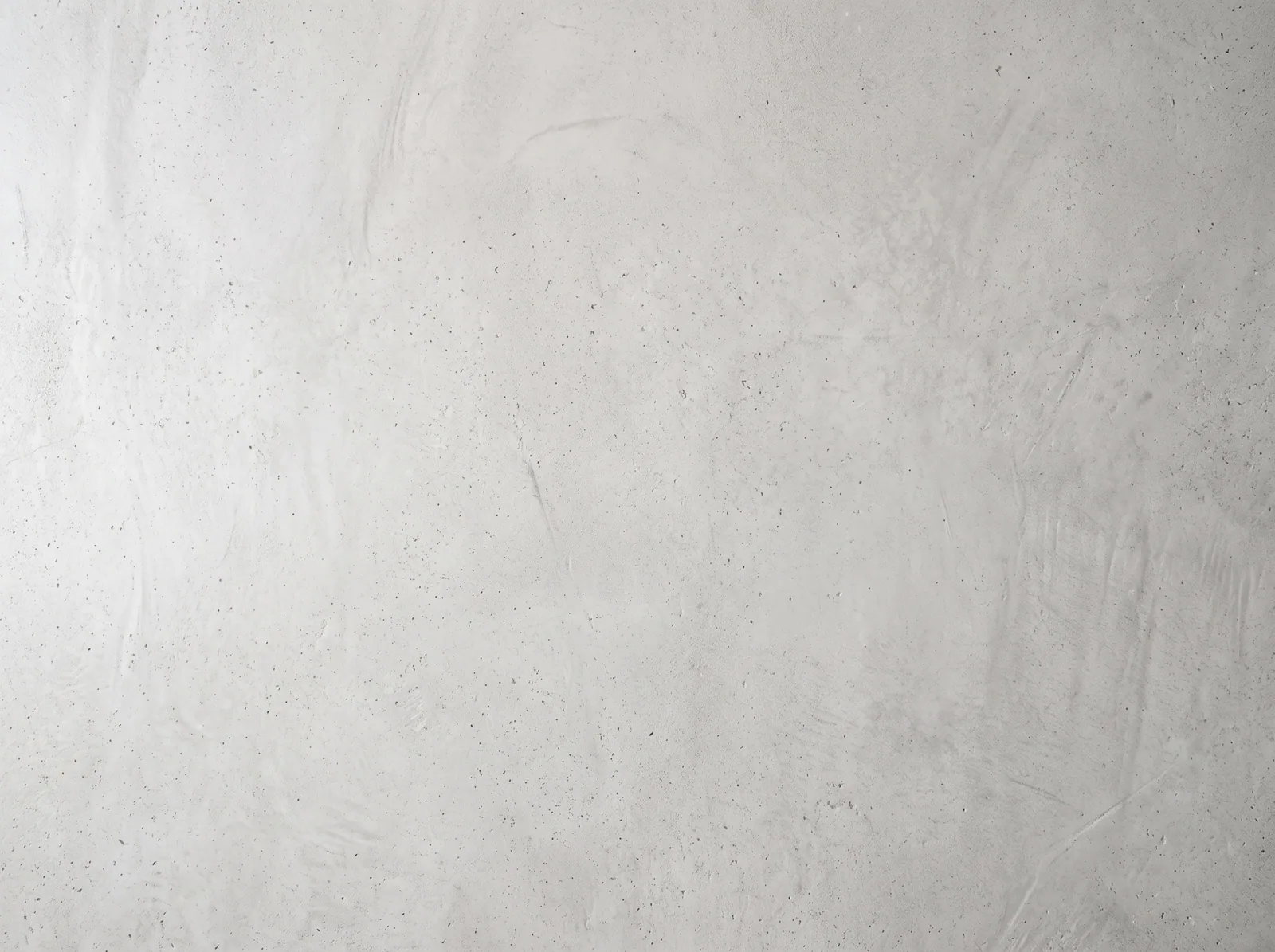 Grey concreteUse this surfaceDownload
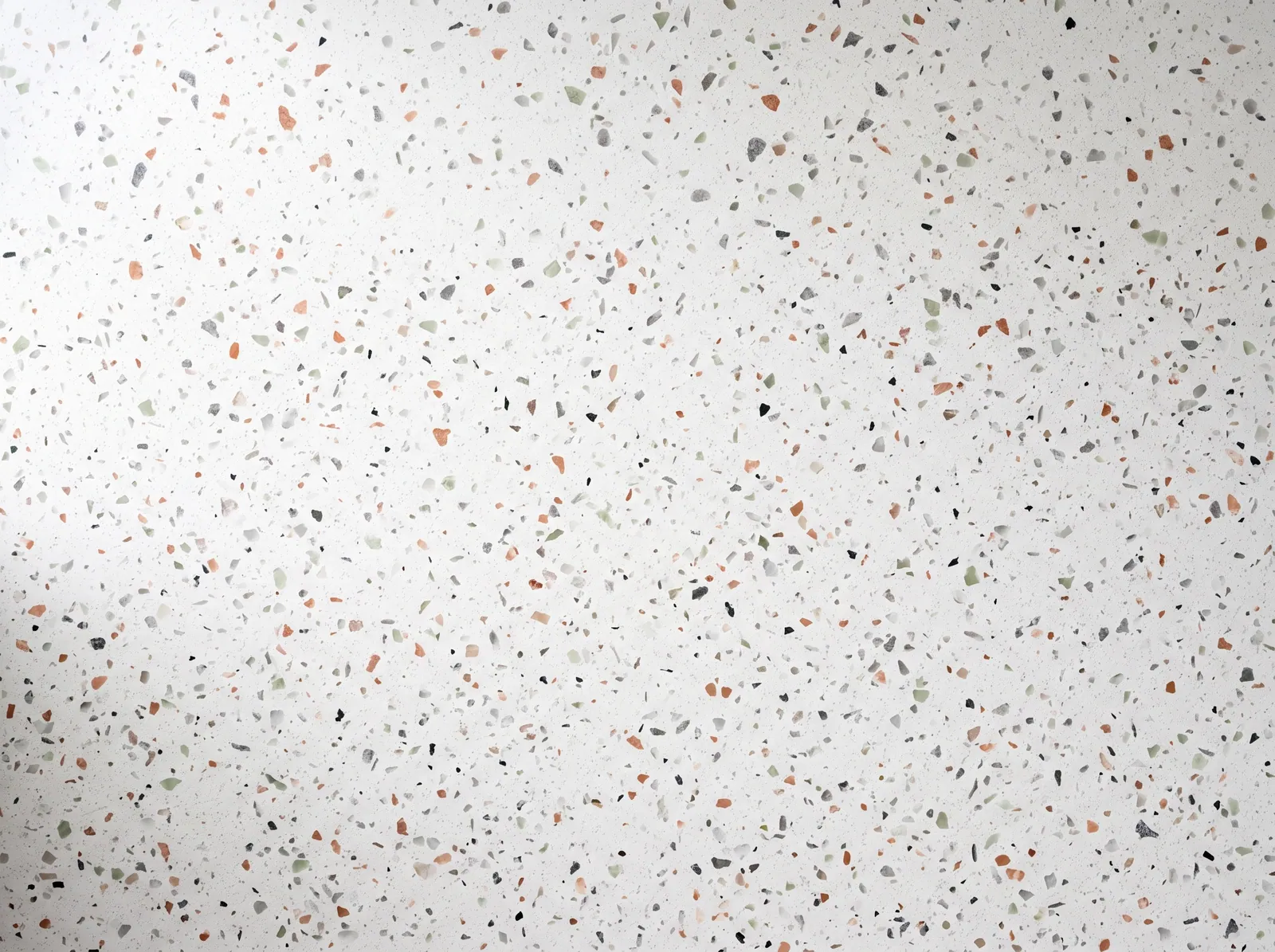 TerrazzoUse this surfaceDownload
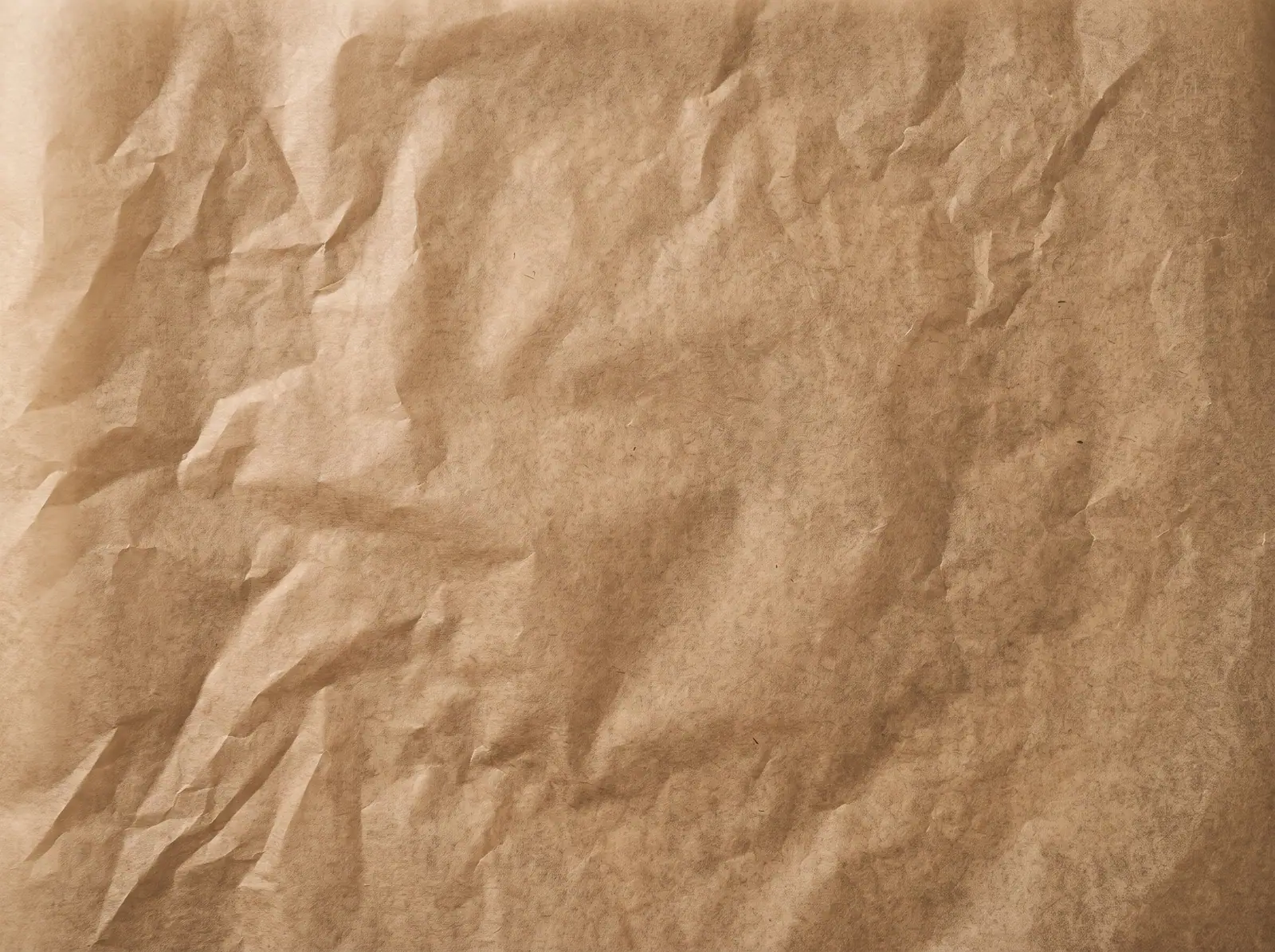 Parchment paperUse this surfaceDownload
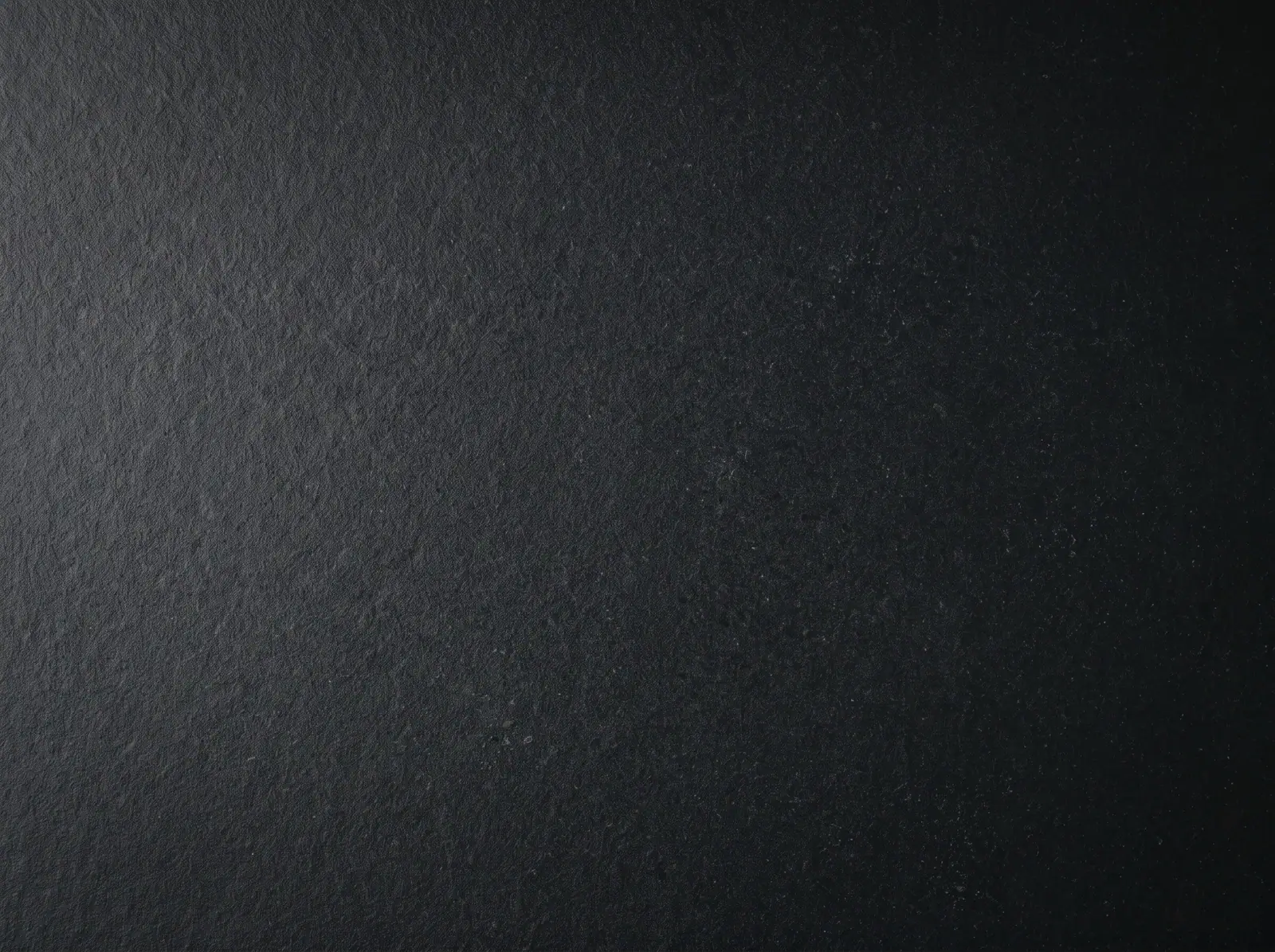 Matte blackUse this surfaceDownload
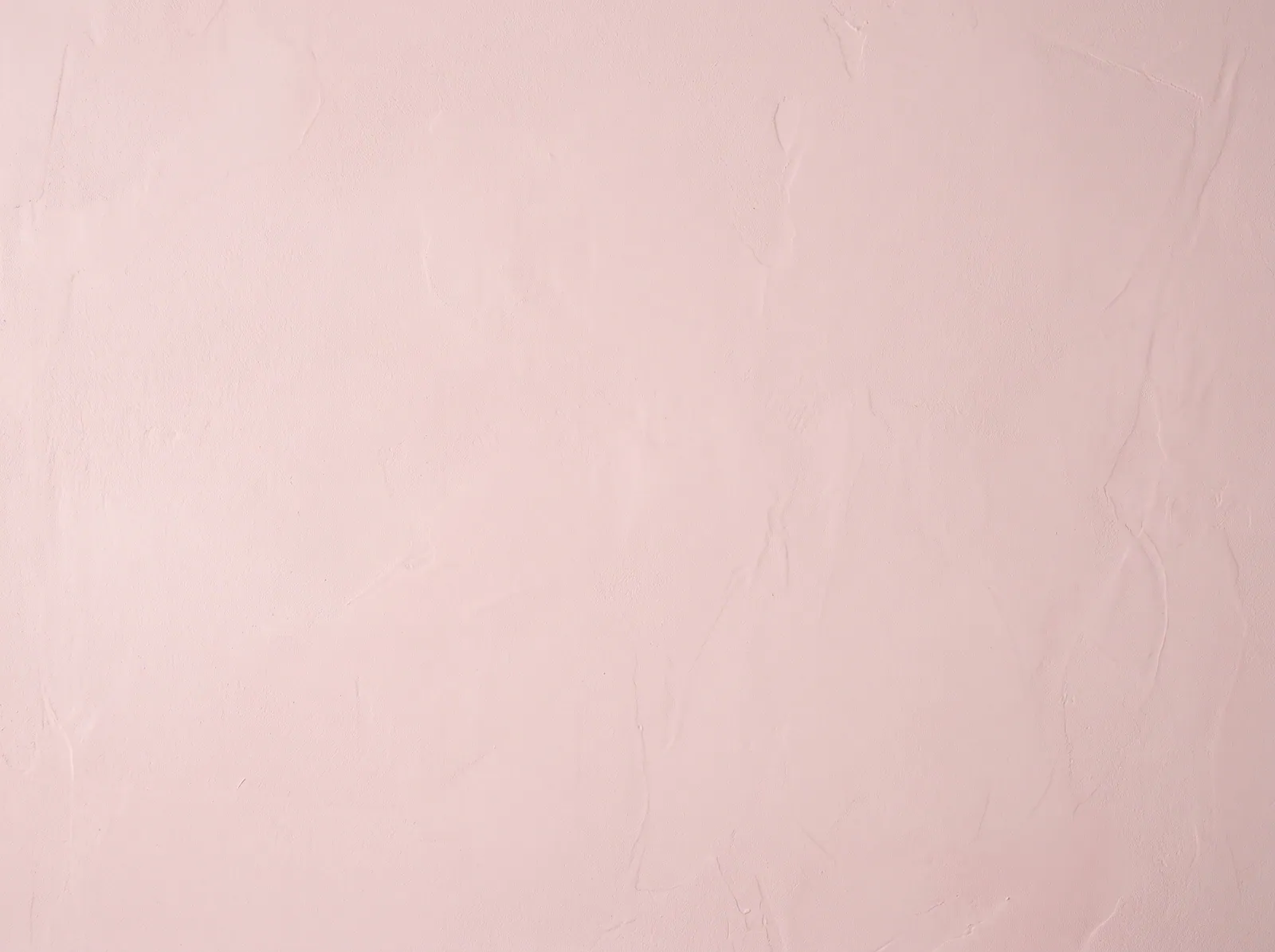 Pastel pinkUse this surfaceDownload
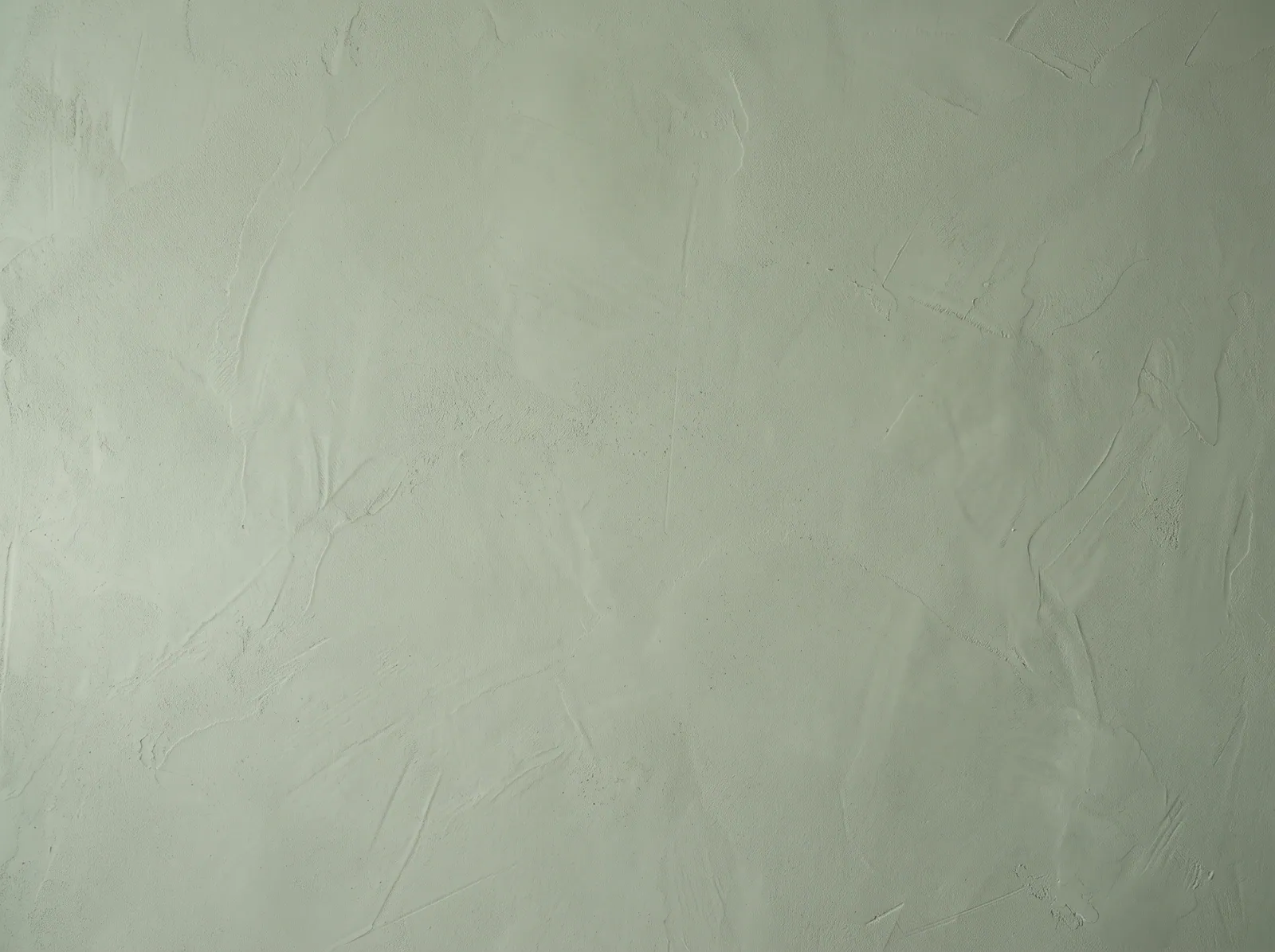 Sage greenUse this surfaceDownload
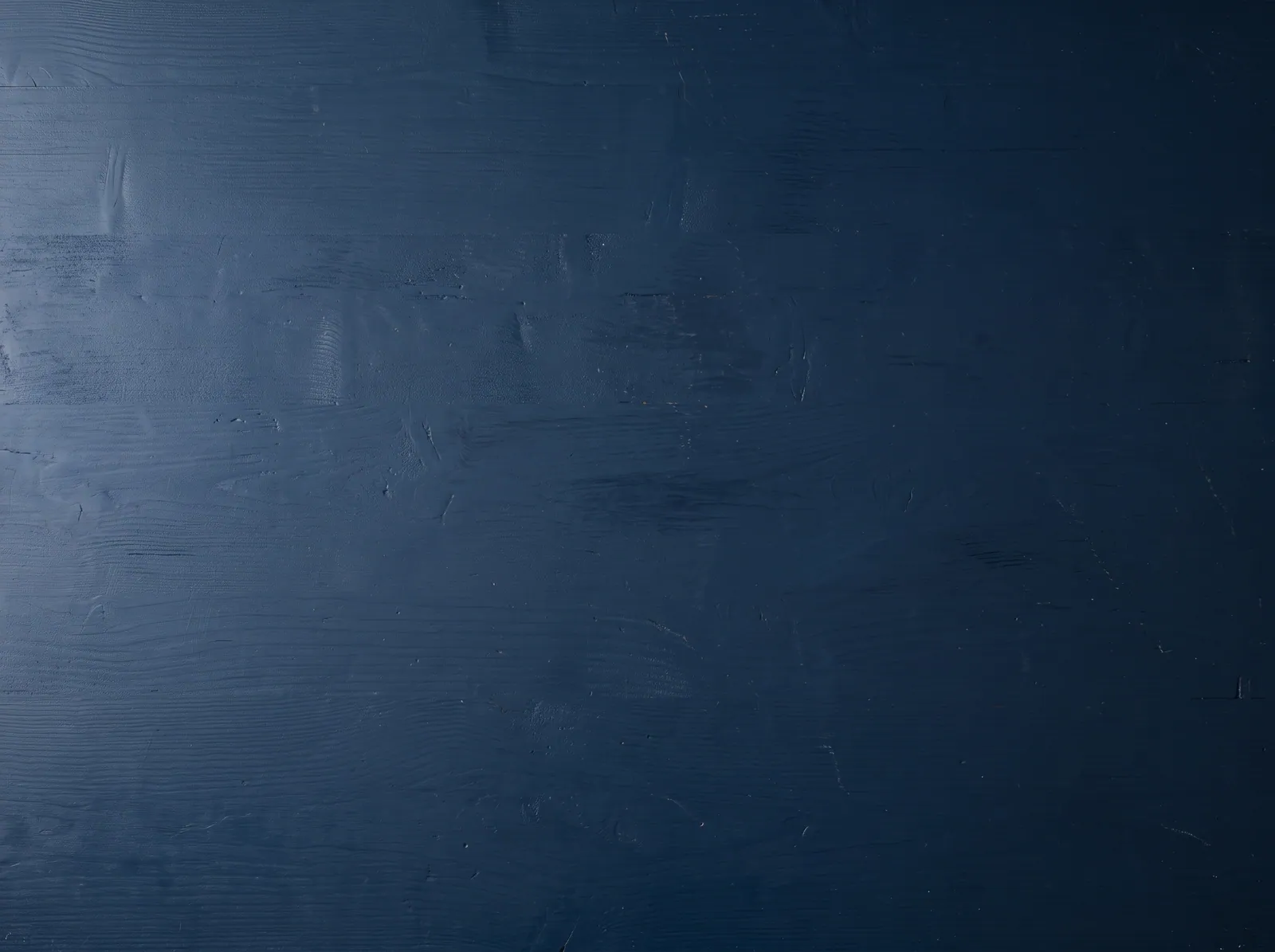 Navy blue woodUse this surfaceDownload
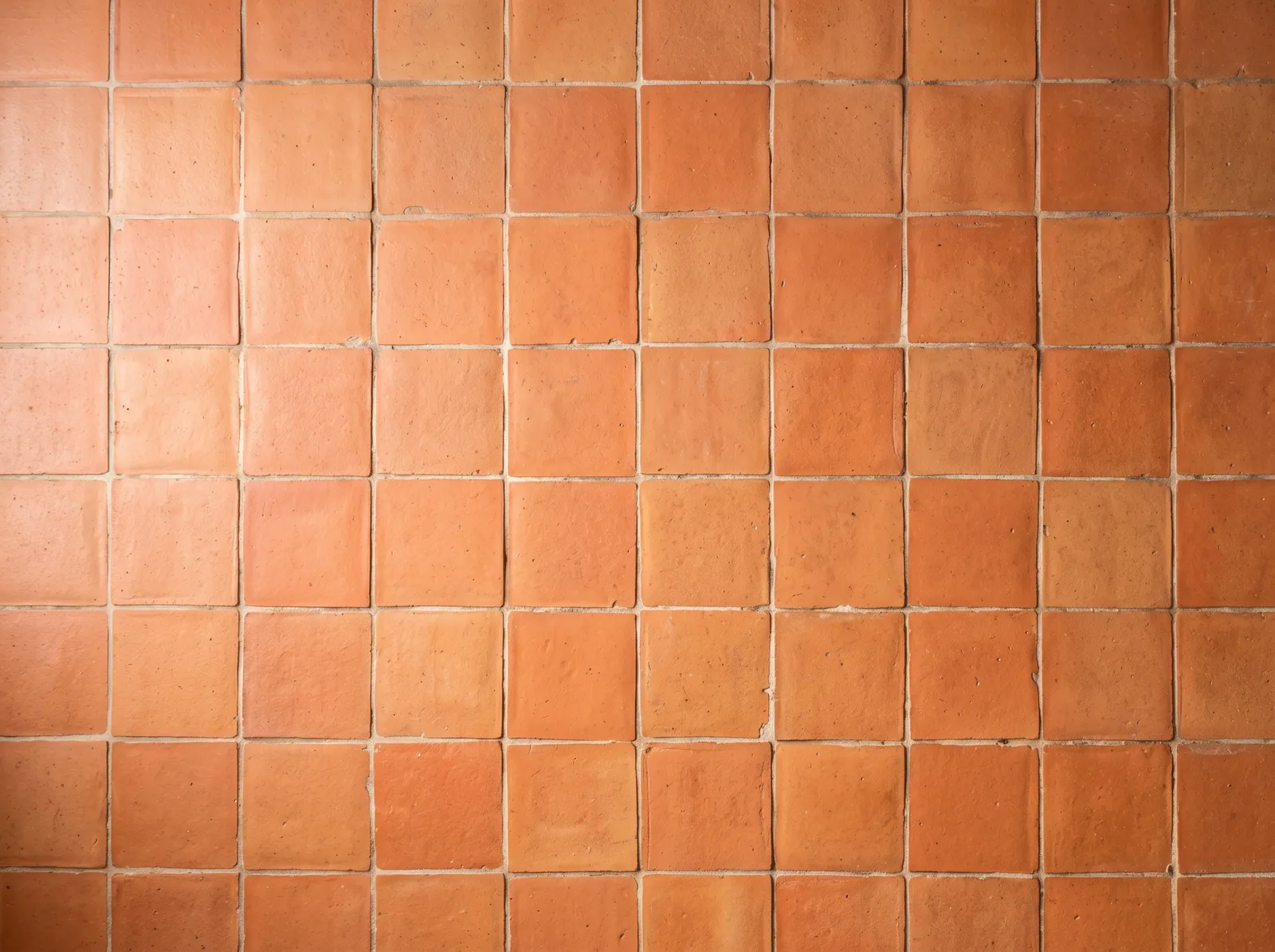 Terracotta tileUse this surfaceDownload
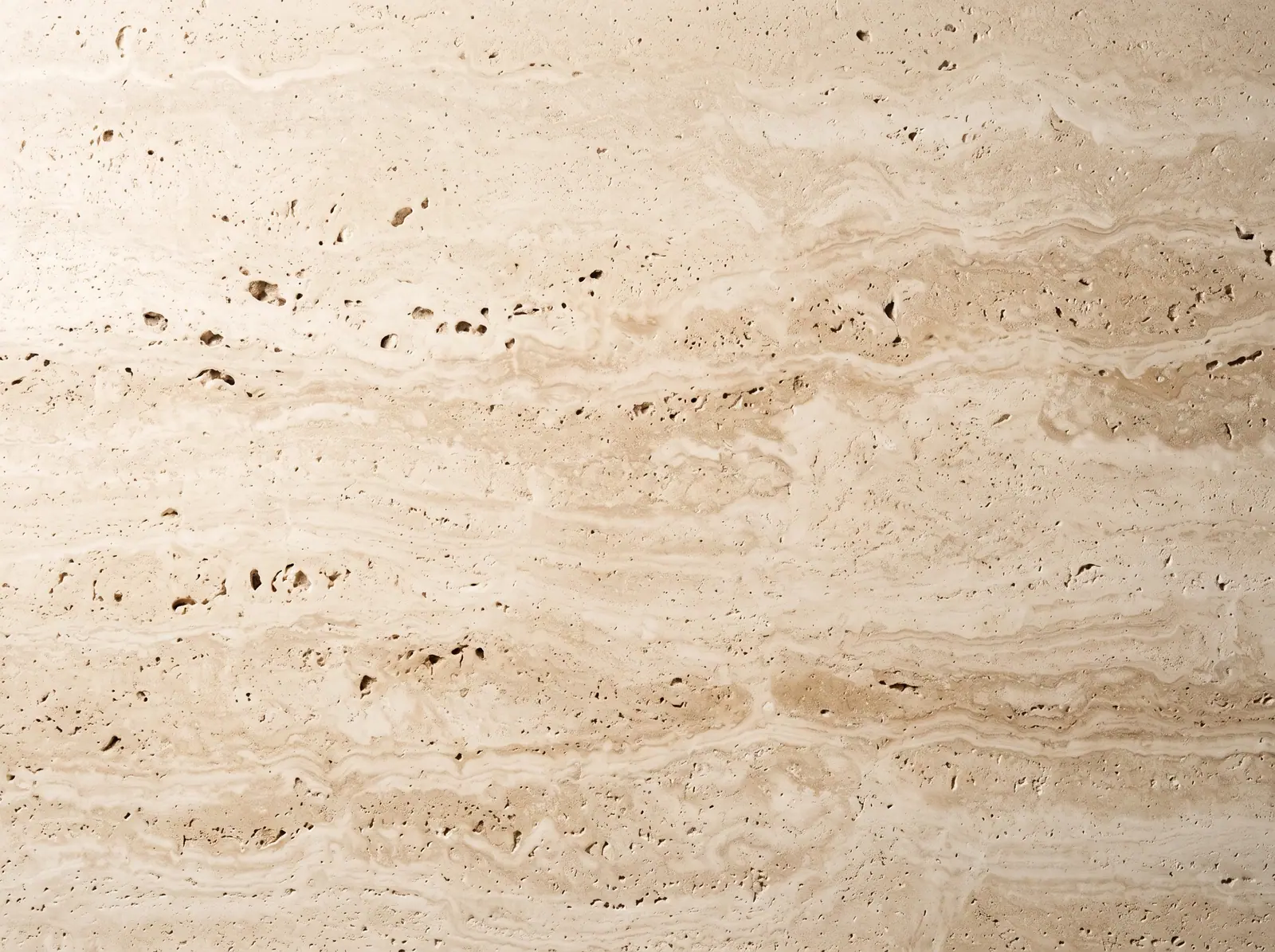 Travertine stoneUse this surfaceDownload
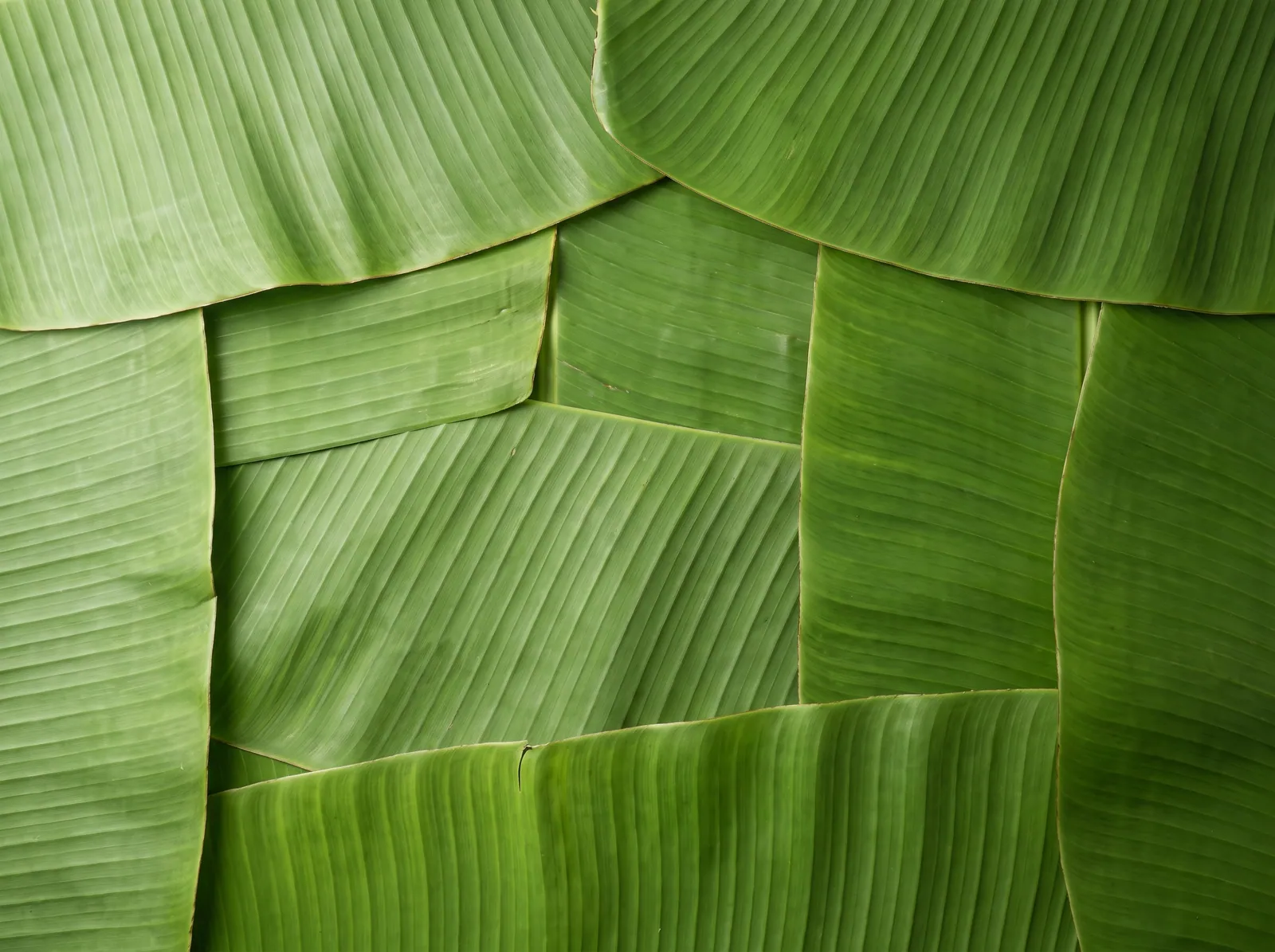 Banana leafUse this surfaceDownload
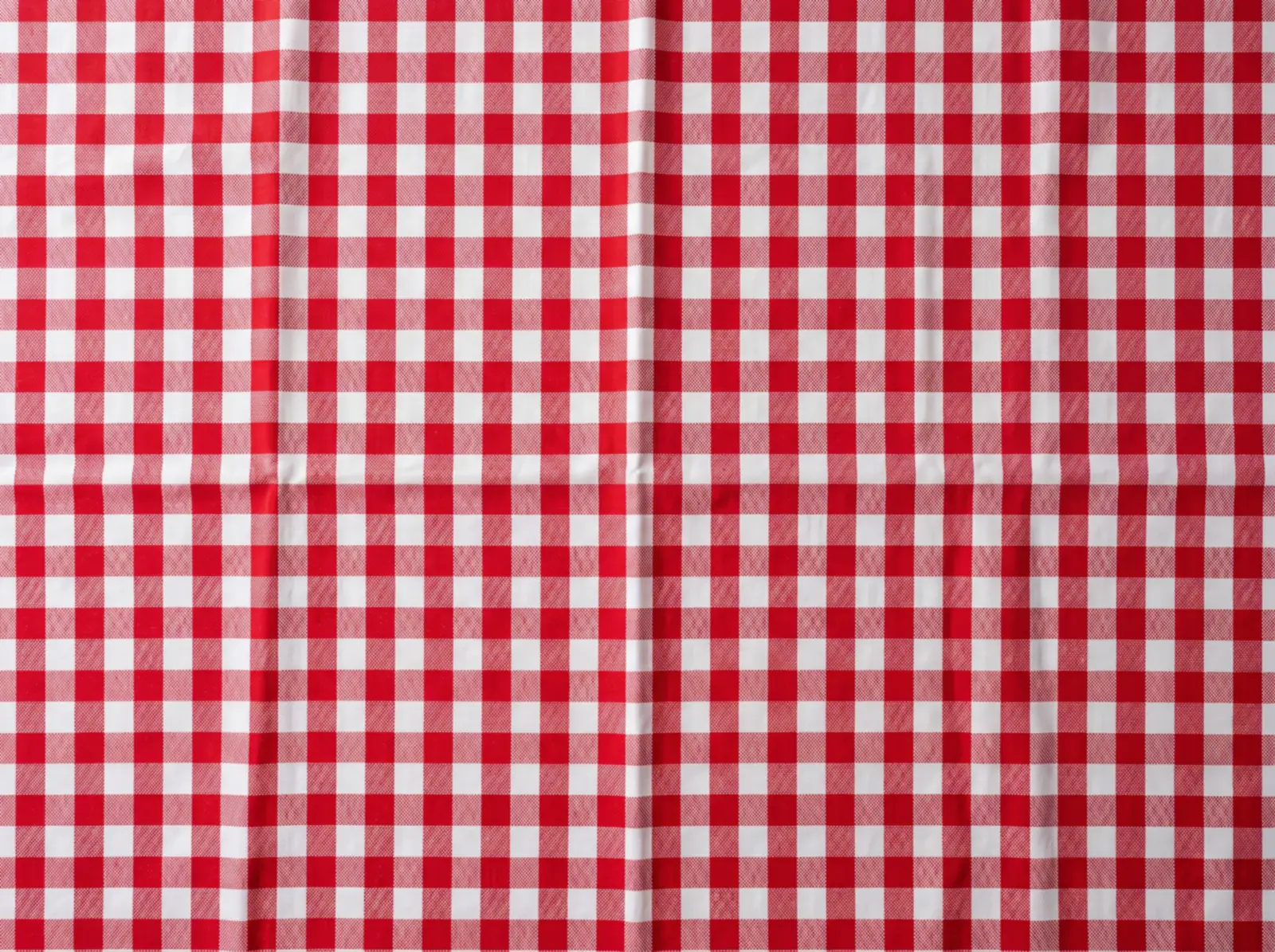 Red checkered tableclothUse this surfaceDownload
Is the food background generator free?
Yes. You can use it 3 times a day for free, with no account. Upload a dish photo, pick a surface, and download the result, which carries a “MenuCapture Free Tool” watermark. For more edits and any typed change, not just backgrounds, MenuCapture plans are $19 a month or $159 a year.
If the dish itself needs cutting out first, use the food background changer.
Why Generate a New Background?
The dish is usually fine. The setting isn't. Kitchen counters, cluttered tables, and mixed backgrounds make good food look unprofessional everywhere your restaurant appears.
Starts From Your Real Dish
Unlike AI image generators that create a dish from a prompt, this tool starts from your actual dish photo and is set to change only what's behind it.
Consistent Menu Style
Photos taken on different days in different corners of the kitchen all end up on the same surface, creating one cohesive look across your whole menu.
No Reshoot Needed
A photo you already have becomes usable in about 15 seconds, with no photographer, no studio, and no scheduling.
How the Background Generator Works
- Upload Photo. Upload any food photo from your phone or computer. JPG and PNG up to 3MB.
- Choose Background. Pick a preset surface: clean white, restaurant wood, or kitchen marble.
- AI Generates. AI detects your food and generates the new background around it. Download in about 15 seconds.
One Clean Background, Every Platform
A professional background pays off everywhere your restaurant's photos appear.
Google Business Profile
Your Google photos are often the first thing hungry searchers see. Clean, consistent dish photos make your listing look like a restaurant worth visiting.
Instagram & Facebook
Wood and marble surfaces give feed posts a warm, editorial look without staging a photoshoot for every new dish.
Website & Printed Menus
Matching backgrounds across every item make menu pages and printed menus look professionally shot, even when photos were taken months apart.
Delivery Apps
Delivery apps want a real photo of the dish. DoorDash rejects photoshopped or creative backgrounds and white or transparent ones, so keep swapped backgrounds for your website, menus and social posts, and fix the light on the original photo for delivery listings.
Traditional Photography vs AI Backgrounds
Traditional Photography
- You pay per photo or per shoot
- Days of scheduling and turnaround
- Studio setup and lighting required
- Results vary by photographer
- Re-shoots cost extra when the menu changes
10-item menu update: a new shoot
MenuCapture AI Editing
- About 6 cents per photo on the $19 per month plan
- Most edits ready in about 15 seconds
- Works with smartphone photos
- Consistent results every time
- Edit again whenever the menu changes
10-item menu update: minutes, not weeks
One subscription, every platform • $19 per month • $159/year
Beyond Preset Backgrounds
This free tool uses preset surfaces. The full MenuCapture editor takes any text instruction: "change to outdoor patio setting", "make lighting warmer", "add fresh herbs", or "swap salmon for tuna". There are also more free tools to try.
Any Instruction
Type what you want changed and AI applies it to your photo.
Version History
Edit your edited images, undo and redo, and jump back to any version.
Organized Gallery
Every processed image stored, searchable, and ready to download again.
Frequently Asked Questions
What does the food background generator do?
It takes a photo of your real dish and generates a new background behind it. It is set to keep your food as photographed and change only the surface and surroundings, to a clean white, wood, or marble setting. It edits your actual photo. It does not generate a dish from scratch.
What photo formats and sizes work?
JPG and PNG photos up to 3MB work best, and larger files are automatically compressed. Photos straight from an iPhone or Android camera roll work fine, with no editing software or technical setup needed.
Is the food background generator free?
Yes. You get 3 free runs a day with a free account (email or Google, no card). For more edits and the full editing toolkit, including any text instruction, not just backgrounds, MenuCapture is $19 per month, or $159/year.
Can I use the results commercially?
Yes. The edited photos are yours to use on your Google Business Profile, Instagram and Facebook, website, printed menus, and delivery app listings. Since the tool edits photos of your actual dishes, the results accurately represent the food you sell.
How is this different from the background remover tool?
They share the same AI under the hood. This page focuses on generating a new background setting for your dish; the background remover page frames the same job as cleaning up a cluttered background. Either way you upload a photo, pick a surface, and get a finished image, with no transparent PNG to place yourself.
For delivery apps, keep your real background
DoorDash rejects photoshopped or creative backgrounds and white or transparent ones, so keep background swaps for your website and social posts. For delivery listings, Make menu-ready relights the photo you took and tidies the background you have instead of inventing a new one.
Open the editor on Make menu-ready