Food Photos for Your Google Business Profile
Menu photos on your Google Business Profile shape whether searchers pick your restaurant. Format guidance, what to post, common mistakes, and a fast photo workflow.
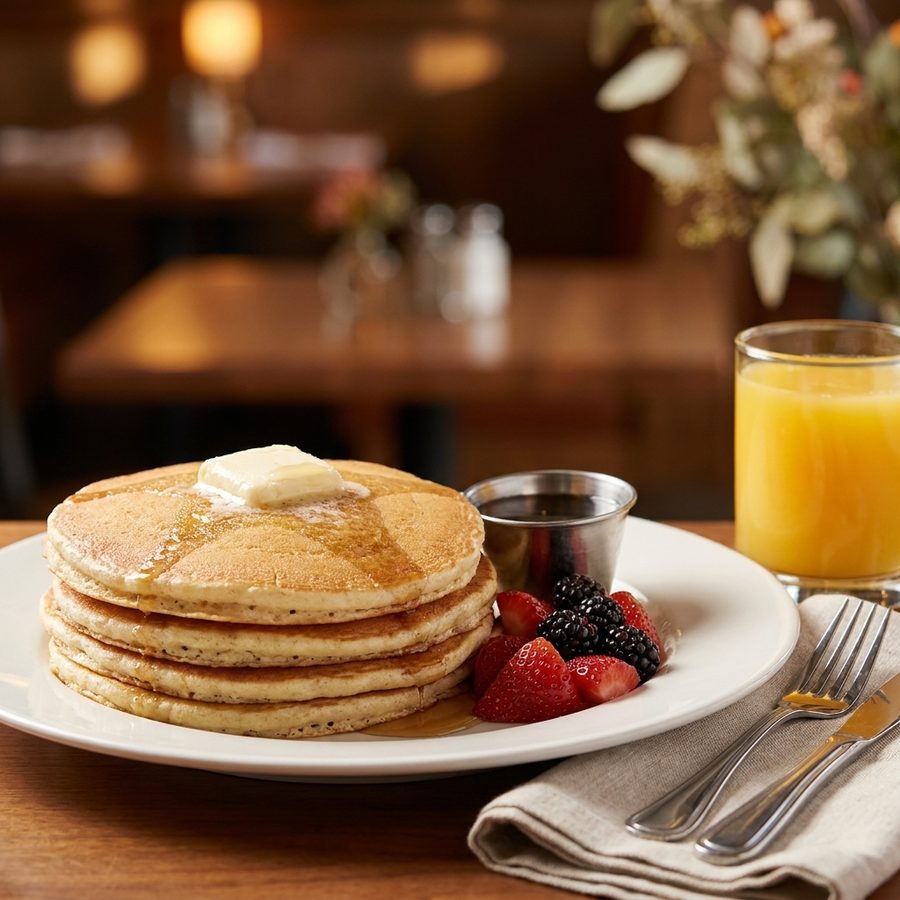
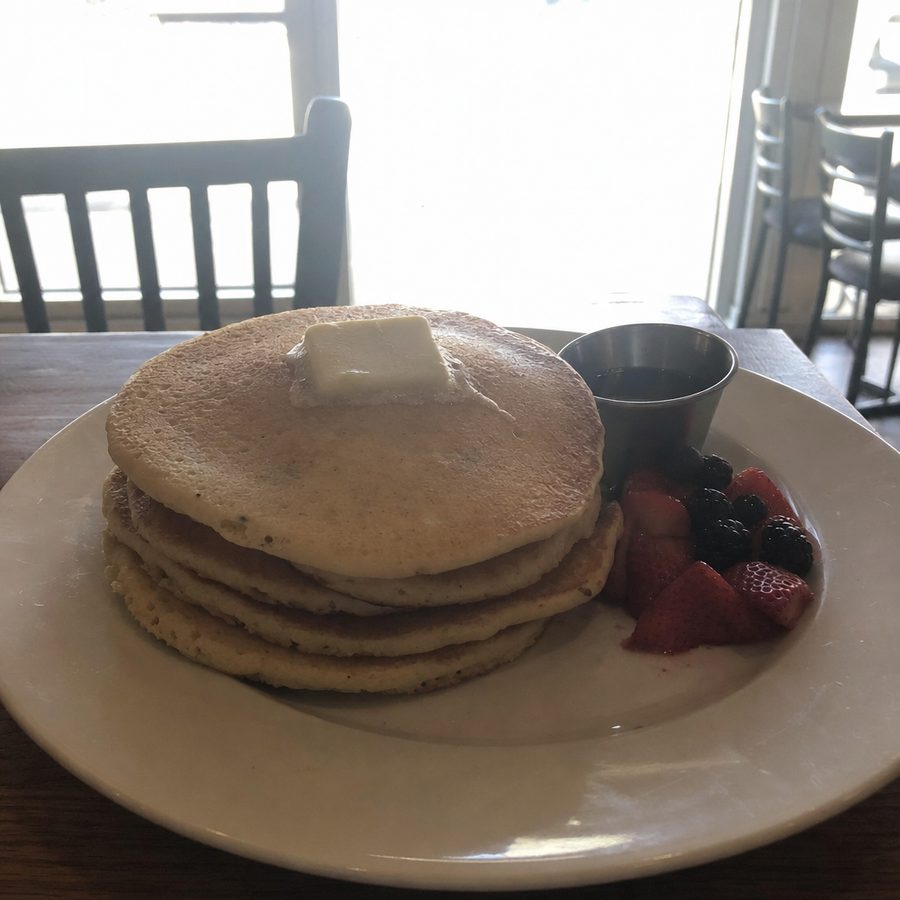
Before
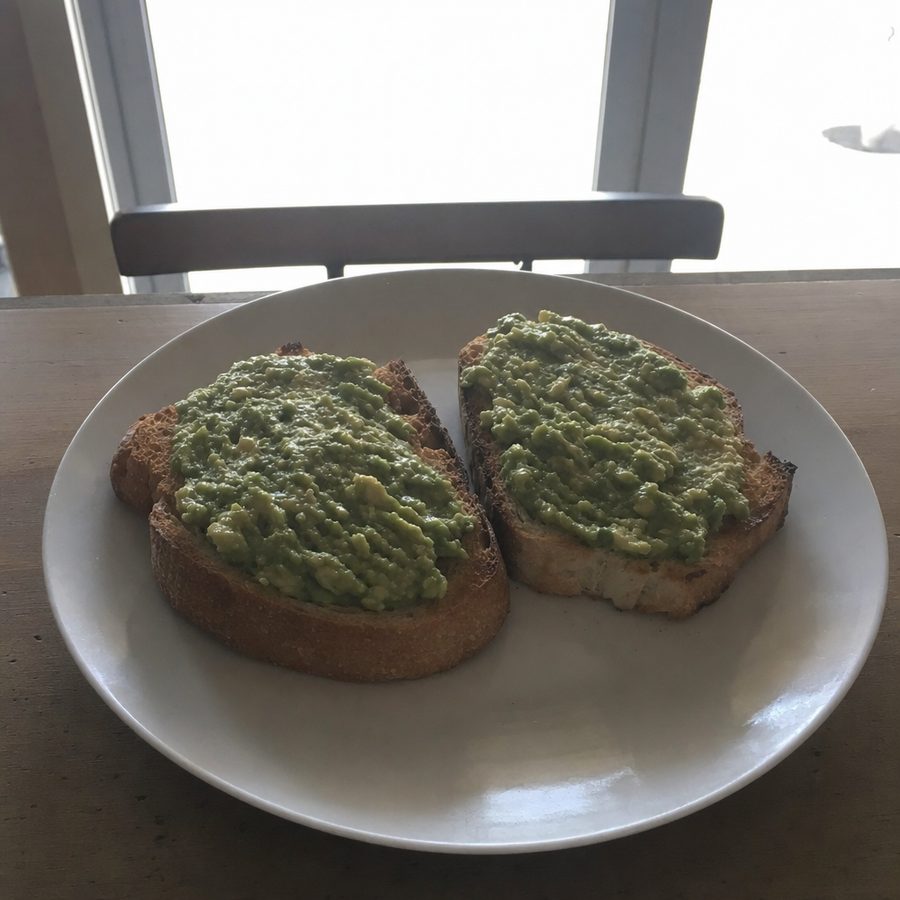
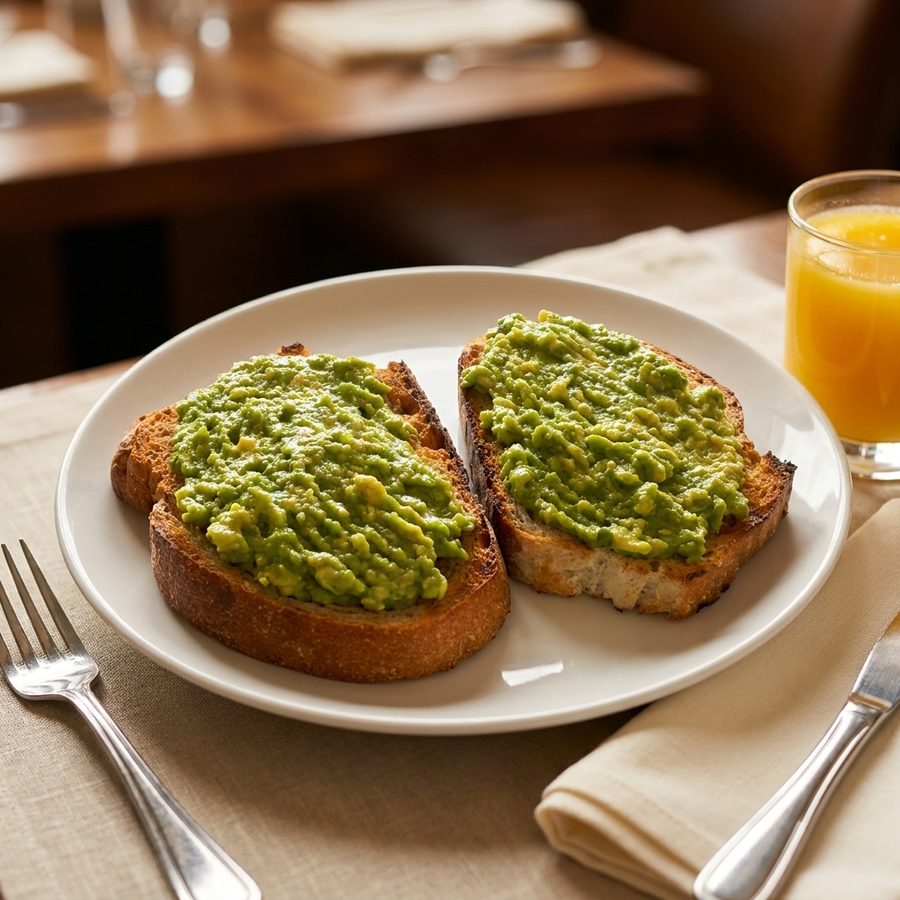
After
Your Google Business Profile is often the first place a hungry searcher sees your food: "restaurants near me," a maps tap, a glance at the photo strip, a decision. Those photos work harder per view than anything on your website, and unlike delivery platforms, Google mixes in whatever customers upload. The way to keep the strip looking intentional is to out-publish them with better photos.
What works on a Google Business Profile
Delivery platforms want sterile consistency: one dish, centered, plain background. Google rewards a broader mix, because profile visitors are deciding whether to visit or order at all, not choosing between line items:
- Hero shots of your five to ten best dishes, close and appetizing.
- A couple of interior shots with the lights on, so the room looks open and welcoming.
- An exterior shot people can recognize from the sidewalk.
- The dishes as they are actually served. Google's photo guidelines call for photos that represent reality, without heavy filters or significant alteration.
Customer photos will be shot in bad light on old phones. That is the baseline you are competing with, and it is not a high bar.
How Google chooses and rotates the cover photo
A restaurant can upload a logo and set a preferred cover photo. That preference is useful, but it is not a guarantee that the selected image will always lead the profile. As of July 2026, Google's Business Profile guidance says the cover photo does not guarantee that it will appear as the first image for the business. Google's system ultimately chooses what displays most prominently based on the quality and relevance of the available photos.
That distinction matters because the gallery is not a restaurant-controlled slideshow. Photos supplied by the owner sit alongside images uploaded by customers, and the visible order can change. A polished plate may lead on one visit while an exterior or customer photo appears first on another.
Owners still have useful influence. The preferred cover should be a bright, sharp image that quickly identifies the restaurant, such as a signature dish, a recognizable dining room, or a clear exterior. The logo should be current and readable at a small size. Beyond those settings, the practical lever is volume and consistency. When the restaurant supplies enough strong, relevant images across every useful category, its photos have a better chance of dominating the gallery even when Google rotates the lead image. Uploading one perfect cover and leaving the rest to customers gives the owner very little influence.
A practical photo-type checklist
The gallery should answer the questions a new guest has before arriving: What does the place look like, what should be ordered, and will the entrance be easy to find? A compact set is enough when every photo has a clear job.
| Photo type | Suggested count | What to include |
|---|---|---|
| Exterior | 2 to 3 | One straight-on entrance shot, one wider street view, and an evening view if nighttime recognition matters |
| Interior | 3 to 4 | The main dining area, counter or bar, and any patio or private room guests can use |
| Dishes | 5 to 10 | Best sellers, signature plates, and options that show the menu's range |
| Menu | 1 to 2 | A readable current menu or menu board, without trying to document every page |
| Team | 1 to 2 | A natural group photo or a staff member preparing or serving food |
This is a starting set, not a quota. A small takeaway shop may need more exterior and counter photos than dining-room images. A seasonal restaurant may need more dish rotation. Each image should be recent, properly exposed, and representative of what a guest will actually receive. If a photo needs basic correction before upload, the dark food photos guide explains how to recover detail without making the food look artificial.
Format guidance
Google's Business Profile help documentation lists these photo parameters:
| Spec | Google's published guidance |
|---|---|
| Format | JPG or PNG |
| File size | Between 10 KB and 5 MB |
| Recommended resolution | 720 x 720 px |
| Minimum resolution | 250 x 250 px |
In practice, upload larger than the recommended minimum. Google compresses aggressively, and a photo that starts at 720 pixels has no headroom left after compression.
Common mistakes
- An empty food tab. Restaurants that only upload a logo and a storefront hand the food gallery entirely to customer uploads.
- Dark dining-room shots. Ambient restaurant light photographs far darker than it looks in person. The dark food photos guide covers the shooting and editing fixes.
- Heavy filters. A profile full of oversaturated, obviously filtered dishes reads as untrustworthy next to reviews, and works against Google's represent-reality guidance.
- Stale seasonal photos. A gallery led by last winter's specials tells searchers the profile is unattended.
- Uploading one photo and stopping. A single food photo gets buried under customer uploads within weeks. Volume and recency keep your photos on top.
Managing customer-uploaded photos honestly
Business owners do not have editorial control over customer uploads. As of July 2026, Google's content policies allow an owner to report a photo that violates those policies. Examples include images that are off-topic, spam, offensive, or clearly not connected to the business. Reporting starts a review. Google, not the owner, decides whether the image qualifies for removal.
An owner cannot remove a customer photo simply because the lighting is poor, the plate looks untidy, or the image is not flattering. A genuine guest photo can remain even when it would never be selected for the restaurant's own marketing. The reporting process should be reserved for a real policy issue, with the most accurate reason selected when the report is submitted.
The dependable response to weak but legitimate customer images is publication, not deletion. Add a stronger current photo of the same dish, replace gaps in the interior and exterior categories, and keep uploading at a steady pace. This does not erase the customer photo, but it gives searchers a larger and more accurate owner-supplied set to judge. It also avoids wasting time repeatedly reporting content that does not violate Google's policies.
A monthly upload cadence that stays manageable
A gallery can stay current without a large one-time shoot. A simple monthly routine spreads the work across normal service and creates a steady supply of recent images.
- First week: check the gallery. Note which owner photos are showing, whether an old seasonal dish is still prominent, and which category looks thin.
- Second week: photograph two dishes. Choose one proven best seller and one newer or seasonal item. Take several frames, then upload only the strongest image of each.
- Third week: add one place or people photo. Alternate between the exterior, dining room, patio, counter, and team so the profile does not become a wall of plates.
- Fourth week: verify accuracy. Check that menu images, exterior signs, hours shown in photographs, and seasonal displays still match the current business. Replace anything misleading.
That routine produces about three useful additions each month. Every three months, review the full set and refresh the seasonal dishes, decor, patio, or evening exterior as needed. A menu change deserves an extra pass so discontinued items do not continue to set expectations. Photos can be captured during a quiet prep period, edited together, and uploaded in one short session. The goal is not constant activity. It is a gallery that never looks abandoned or materially out of date.
Getting profile-ready photos fast
The photos do not need studio polish; they need to be bright, sharp, and recent. Shoot your top sellers by a window with the phone steady, following the smartphone menu photography guide. The angle and styling basics in the restaurant food photography guide apply directly, and the lighting fundamentals in the food photography lighting post explain why window light beats the dining room's warm bulbs.
For the shots the room ruined, MenuCapture edits your real photo from a text prompt: "brighten the lighting, fix the yellow color cast, keep everything else as shot." The dish stays your dish, which keeps the photo honest for a surface where customers compare it against reviews. Plans are $9 per week or $159 per year with up to 1,500 edits a month, so refreshing the whole gallery each season costs a single week of the subscription.
The whole loop stays short enough to fold into a normal shift:
- Photograph your best sellers by a window during prep or a quiet service.
- Upload the phone photo to MenuCapture from your phone or laptop.
- Get a bright, menu-ready image back in about a minute.
- Use that one image for your Google Business Profile, the print menu, DoorDash, Uber Eats, and Instagram.